
How to Build a Branded Hotspot That Drives Revenue
In brief: Building a branded hotspot involves creating a customized WiFi login experience with your own logo, colors, splash page, and domain to strengthen brand identity while providing secure guest internet access. It also explains how branded hotspots can collect customer data, support marketing campaigns, and improve customer engagement through personalized login options and analytics.
A guest who sees a generic router login page sees WiFi as a utility. A guest who sees your logo, offer, and a clear path to connect sees part of your business. Learning how to build a branded hotspot is not only a design project. It is a network, guest experience, data, and revenue decision that affects every location where customers connect.
For hotels, restaurants, retail chains, transit operators, campuses, and public venues, branded guest WiFi can turn an unavoidable operating cost into a controlled customer touchpoint. The right deployment protects the production network, reduces support burden, captures permission-based customer data, and gives operators a consistent experience across sites.
Start with the Guest and Business Outcome
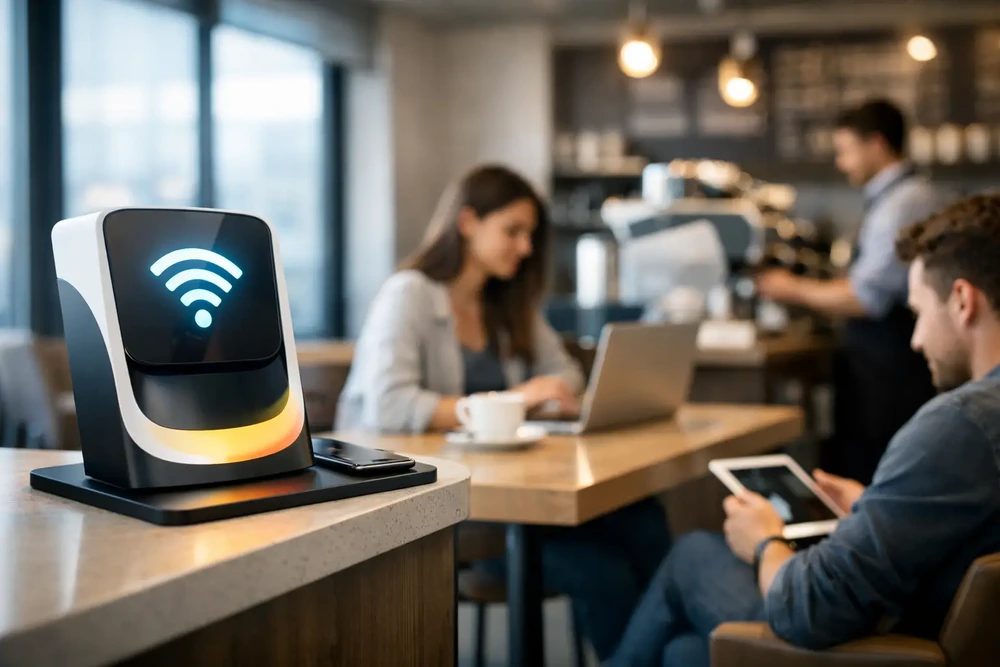
Before selecting access points or designing a captive portal, define what the hotspot needs to accomplish. A hotel may need room-number validation and tiered bandwidth plans. A café may want a fast email login that supports repeat-visit promotions. An airport or transit provider may need sponsored access, advertising, and high-capacity session management. These are different guest journeys, even when the WiFi hardware is similar.
Choose one primary outcome for each deployment: better guest service, data collection, paid access, advertising revenue, or controlled public connectivity. Secondary goals can be added later, but trying to present every option on the first login screen usually reduces completion rates.
The guest journey should answer four questions quickly: what network is this, how does the guest connect, what information is required, and what happens after access is granted? A confusing portal produces abandoned sessions and front-desk complaints. A clear one reduces friction while preserving the data and policy controls your organization needs.
Build the Network Foundation First
A branded portal cannot compensate for poor network architecture. Guest traffic should be isolated from business-critical systems such as point-of-sale terminals, staff devices, security cameras, medical systems, and internal applications. This is normally achieved with separate SSIDs, VLAN segmentation, firewall rules, and client isolation policies.
The exact design depends on the site. A small restaurant may use one guest SSID mapped to a dedicated VLAN and a managed gateway. A multi-building campus may require multiple access point groups, VLANs by zone, centralized authentication, and redundant internet connectivity. The essential principle is the same: guests should reach the internet without reaching private resources.
Capacity planning matters as much as isolation. Estimate concurrent users rather than daily foot traffic. A venue with 500 visitors may have only 80 simultaneous sessions, while a convention hotel can have hundreds of guests streaming, joining video calls, and connecting multiple devices at the same time. Size bandwidth, access point density, backhaul, and controller capacity for peak demand, not average use.
Set policies that protect service quality
Guest WiFi policies should prevent a handful of users from degrading service for everyone else. Apply reasonable bandwidth limits per device or per account, session time limits where appropriate, and fair-use controls for high-volume traffic. Do not over-restrict the service simply to save bandwidth. In hospitality and business environments, poor WiFi is often treated as poor service.
Content filtering, DNS security, device isolation, and rate limits can all be appropriate, but the setting should fit the venue and audience. A public library, a family restaurant, and a business lounge will have different expectations and risk requirements.
Create a Captive Portal That Looks Like Your Business
The captive portal is the visible center of a branded hotspot. It should use your logo, colors, imagery, and approved messaging, but visual branding is only the beginning. The portal must also load quickly on mobile devices, be readable in multiple languages when needed, and make the primary call to action obvious.
Keep the first screen focused. A guest should not need to scroll through terms, offers, surveys, and several sign-in methods before connecting. Present the most relevant access method first, then offer alternatives only when there is a clear business reason.
For example, a restaurant may lead with email or SMS access and show a current offer after login. A hotel may present room authentication, voucher entry, or paid premium WiFi options. A retail venue may use a short registration form tied to consent language and a loyalty promotion. The access flow should reflect the relationship you already have with the guest.
Select the right authentication method
Authentication determines how much friction, accountability, and customer data the hotspot provides. There is no single best option.
Email registration is familiar and supports follow-up marketing, but disposable addresses and typing errors can reduce data quality. SMS verification improves identity confidence, though message costs and regional delivery rules must be considered. Social login can reduce form completion time, but platform policy changes and privacy expectations make it less dependable as a primary method.
Voucher codes work well for events, hotels, schools, and venues that want controlled distribution. A paid access flow is appropriate when the connection itself has commercial value or when premium speed tiers are offered. For enterprise environments, RADIUS, Active Directory, SAML, or other identity integrations may be required for staff, students, tenants, or managed users.
Use a method that matches the value exchange. If a guest is giving contact information, explain what they receive in return, whether that is free access, a discount, loyalty benefits, or premium service.
Make Consent and Compliance Part of the Design
Guest data has commercial value only when it is collected responsibly. The portal should clearly present acceptable-use terms, privacy disclosures, and marketing consent where required. Consent should be explicit and separate from mandatory access terms when applicable. Do not treat WiFi access as permission to send unlimited promotional messages.
Data retention policies should be deliberate. Keep the information needed for operations, security, analytics, and authorized marketing, then remove or anonymize records according to your policy and applicable regulations. Organizations operating across states or countries may need different consent language and retention rules by location.
IT and marketing teams should agree on ownership before launch. IT needs control over access, security, uptime, and device policy. Marketing needs usable customer records, campaign triggers, and reporting. A branded hotspot works best when both teams share a defined process rather than handing data from one system to another after the fact.
Add Monetization Without Damaging the Experience
A free hotspot can generate revenue indirectly through lead capture, offers, surveys, and repeat visits. In other locations, direct payment is the better fit. Hotels, venues, transportation services, and public networks may offer a free basic tier alongside paid high-speed, extended-duration, or multi-device plans.
The trade-off is straightforward: more paid options can increase average revenue per user, but an aggressive payment wall can reduce satisfaction and adoption. Test the model against guest expectations. In a premium hotel, complimentary basic access may be expected. At a stadium or event, a paid enhanced service may be accepted if the benefit is clear and performance is reliable.
Advertising and sponsorship can also support free access. The most effective placements are targeted and limited. A sponsor message at login, a post-login landing page, or a short video ad can create inventory without repeatedly interrupting the guest. If ads slow connection or feel intrusive, the commercial gain may be offset by lower satisfaction.
Centralize Operations Across Every Location
A single-site hotspot can be managed locally. Multi-location businesses need centralized administration. Operators should be able to configure portal templates, access policies, user groups, payment plans, and reporting from one platform, while still allowing location-specific branding, offers, language, and network rules.
This is where cloud WiFi management reduces operational overhead. Instead of sending staff onsite to change a campaign or manually exporting records from each location, administrators can apply policies and portal updates centrally. Start Hotspot supports this model with captive portal management, guest access controls, marketing tools, payment workflows, analytics, and deployment options for cloud and on-premise environments.
Centralization does not mean every site must be identical. A hotel group may use one core brand template while allowing each property to promote local dining, events, or upgrades. A managed service provider may maintain separate portals and policies for each customer under a white-label model. Standardize the infrastructure, then localize the customer-facing experience where it adds value.
Measure More Than Connection Counts
The number of connected devices is useful, but it does not tell the full story. Track portal conversion rates, login method performance, new versus returning guests, average session length, bandwidth consumption, voucher use, paid-plan conversion, survey response rates, and campaign engagement.
Compare results by venue, time period, campaign, and access method. If SMS login produces higher-quality customer records but a lower completion rate than email, the right choice depends on whether your priority is volume or verified identity. If a paid tier has low adoption, investigate whether pricing, placement, perceived value, or network performance is the issue before removing it.
Guest feedback should be part of the measurement plan. A short post-session survey can identify coverage gaps, portal confusion, and service issues before they become online reviews or support escalations. Use the data to improve both the WiFi system and the broader customer experience.
Treat the Hotspot as an Operating System, Not a One-Time Project
A branded hotspot needs regular attention. Review access policies, update portal campaigns, test login methods on current mobile devices, monitor utilization, and audit security settings. Hardware, operating systems, browser behavior, and guest expectations change over time.
The strongest deployments make connecting feel simple for the guest while giving the organization detailed control behind the scenes. Build for secure access first, then use the portal, data, and analytics to create a WiFi program that earns its place in your customer experience and revenue strategy.
Prefer Antamedia on Google
Get practical guest WiFi and network management insights directly from Antamedia.