
How to Configure Guest WiFi Bandwidth Limits
In Brief : Guest WiFi bandwidth limits help prevent individual users from consuming excessive capacity while protecting business-critical traffic and maintaining a consistent experience for everyone. The most effective approach combines per-user limits, overall guest network caps, segmentation, QoS, and regular adjustments based on actual usage.
A guest streaming 4K video should not be able to slow a hotel's property-management system, interrupt a restaurant's payment terminals, or consume the connection needed for staff operations. To configure guest WiFi bandwidth limits effectively, businesses need more than a single speed cap. They need a policy that balances customer expectations, available internet capacity, operational priorities, and the commercial goals of the venue.
For a single cafe, that may mean ensuring every customer can browse, use messaging apps, and join a video call without one user monopolizing the connection. For a hotel group, airport, hospital, or retail chain, it means applying consistent rules across locations while preserving the option to deliver premium paid access.
Why Guest WiFi Bandwidth Limits Matter
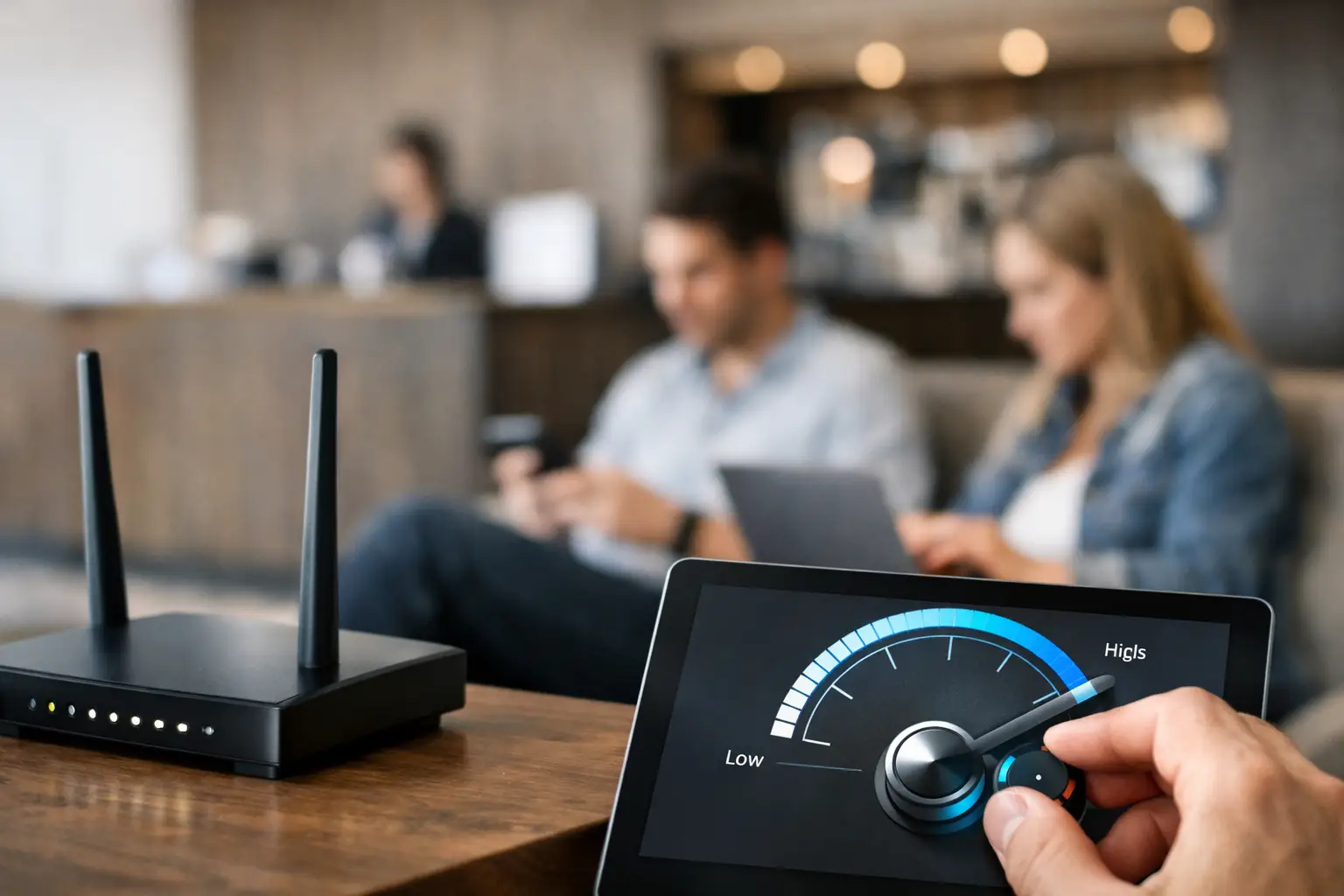
Bandwidth limits are a practical form of network governance. They protect business-critical traffic, create a fairer experience for all guests, and give operators a predictable way to manage demand during busy periods.
Without limits, a small number of devices can consume a disproportionate share of the internet connection through large downloads, cloud backups, video streaming, gaming updates, or peer-to-peer traffic. The result is rarely limited to those users. Everyone sees slower page loads, buffering, dropped calls, and unreliable logins. Guests blame the venue, not the device that created the congestion.
The right limit also supports commercial strategy. A venue may provide free standard access while offering higher-speed plans to hotel guests, conference attendees, airport travelers, or users who need more capacity for work. In that model, speed is not only a technical setting. It is a service tier that can support direct revenue or a more valuable guest experience.
Start With Your Actual Capacity and Demand
Do not select a bandwidth number because it worked at another property. A 20 Mbps downlink may be acceptable for a small waiting room with 10 occasional users, but it will not serve 60 guests in a crowded lobby. Likewise, a 500 Mbps circuit can still perform poorly if the WiFi design, access point density, or backhaul is undersized.
Begin with the usable internet capacity at the location, not the advertised maximum from the provider. Measure downstream and upstream performance at peak periods, then reserve capacity for business systems. This can include point-of-sale terminals, VoIP, security systems, cloud applications, staff devices, IPTV, building systems, and managed service traffic.
The remaining capacity becomes the guest WiFi pool. From there, estimate concurrent usage rather than total daily visitors. A restaurant with 200 customers may have only 20 to 30 active devices at one time. A convention hotel can have hundreds of devices active simultaneously, particularly in the evening or before an event begins.
Upload speed deserves equal attention. Video calls, social media posting, cloud storage, and live streaming all use upstream bandwidth. Limiting downloads while leaving upload unrestricted can still allow a handful of devices to create serious congestion.
Configure Guest WiFi Bandwidth Limits by User, Not Just by Network
A total cap on the guest SSID protects the internet connection, but it does not guarantee fairness. One heavy user can still consume most of the available guest allocation. Per-user or per-device shaping is usually the better baseline because it distributes available capacity more evenly.
For example, a venue could allocate a standard guest policy of 5 Mbps download and 2 Mbps upload per device, while applying a larger aggregate cap to the entire guest network. The per-device rule prevents individual devices from dominating the connection. The aggregate rule prevents guest traffic as a whole from affecting operations.
The appropriate starting point depends on the audience and service promise. A quick-service restaurant may offer 3 to 5 Mbps per user for browsing and casual streaming. A business hotel may need 10 Mbps or more to support video conferencing. An airport lounge or paid premium service may offer higher limits, but should still retain overall network controls.
Avoid treating these settings as permanent. Review peak-time usage, complaint patterns, device counts, and application demand after deployment. A limit that appears generous during a quiet morning can become insufficient when a venue is full.
Use Separate Policies for Different Guest Types
A single guest policy is simple, but it can leave value on the table. Different users have different expectations, and the network can recognize those differences through captive portal access methods, vouchers, room credentials, payment plans, loyalty programs, event codes, or staff-managed access.
A practical policy structure may include free standard access, a higher-speed paid tier, and an authorized tier for conference organizers, VIPs, long-stay guests, or approved partners. Staff devices should remain on a separate secured network with their own VLAN, authentication, and quality-of-service rules. They should never compete directly with public guest traffic.
This approach gives operators control without making free WiFi unusable. The standard tier should handle normal browsing, email, social media, and routine mobile use. Premium access should provide a meaningful improvement, not a marginal increase that guests cannot perceive.
Pair Rate Limits With Network Segmentation and Traffic Rules
Bandwidth shaping works best as one part of a broader guest access design. Guest traffic should be logically separated from internal systems using dedicated SSIDs and VLANs. Effective guest network firewall rules should block guest access to private subnets, management interfaces, payment environments, and other sensitive business resources.
Traffic rules can also protect capacity from applications that create outsized demand. Depending on the venue and local policy, administrators may restrict peer-to-peer services, large file-sharing protocols, or high-risk traffic categories. This decision requires judgment. Overly restrictive filtering can frustrate legitimate users, while an unrestricted network can expose the venue to avoidable performance and compliance issues.
Quality of service adds another layer of control. It can prioritize operational traffic such as payment processing, voice, business applications, and critical communications over guest traffic. Rate limits decide how much capacity guests can use. QoS helps determine what happens when the network is under pressure.
Build Limits Into the Captive Portal Experience
Guests are more accepting of a speed policy when it is clear before they connect. A well-designed captive portal can clearly communicate bandwidth limits, session duration, and available access options before users connect to the guest WiFi network. The captive portal can explain what the free service includes, present available premium options, collect consent, and provide access through the appropriate tier.
This is especially useful in hotels, event venues, transit locations, and public spaces where a large number of users join the network without staff assistance. Instead of manually changing network settings, operators can assign policies automatically based on the selected plan or login method.
Antamedia WiFi Hotspot can centralize captive portal workflows, access plans, bandwidth controls, billing options, and reporting across multiple sites. That allows a brand to maintain a consistent guest experience while giving local teams the ability to respond to location-specific capacity and demand.
Test During Peak Conditions, Not Just at Installation
A speed test from one laptop is not proof that the guest network is ready. Validate the policy with multiple devices connected at once and test common guest activities: web browsing, streaming, video calls, app downloads, captive portal login, and payment for premium access where applicable.
Watch for symptoms that indicate a policy issue. Consistent buffering may mean the per-user cap is too low. Strong performance for early users but poor service as the venue fills may indicate that the aggregate guest pool is too small. Slow staff applications during busy periods may signal that segmentation or QoS is incomplete.
Also test the behavior of limits across multiple devices. If a guest can create several sessions or repeatedly reconnect to bypass a per-device policy, consider device controls, session limits, or account-based enforcement. The goal is not to police every guest. It is to prevent a few users from degrading service for everyone else.
Use Analytics to Adjust the Policy
Centralized management makes it easier to apply consistent bandwidth policies, monitor usage, and adjust guest WiFi limits across multiple locations from one dashboard.
The best bandwidth policy is based on observed behavior. Track concurrent sessions, average usage, peak throughput, time-of-day demand, authentication type, premium plan adoption, and locations with recurring complaints. These metrics reveal whether the issue is a limit, an internet circuit, poor RF coverage, access point capacity, or an unexpected traffic pattern.
For multi-location operators, centralized reporting is particularly valuable. One site may need a 5 Mbps standard policy, while another requires 10 Mbps because its guests spend longer on-site or rely on WiFi for work. Standardize the framework, then tune the numbers to match the venue.
Guest WiFi should feel dependable without putting essential operations at risk. Set a clear baseline, isolate public traffic, reserve capacity for the business, and use real usage data to refine the policy. When bandwidth limits are managed as part of the guest experience, WiFi becomes easier to operate and more valuable to the organization.
Prefer Antamedia on Google
Get practical guest WiFi and network management insights directly from Antamedia.