
In Brief
Wireless client isolation prevents guest devices on the same WiFi network from communicating directly with each other while preserving access to the internet and required network services. Combined with VLAN segmentation and firewall rules, it reduces lateral movement and helps create a safer guest WiFi environment.
A guest who joins your WiFi should be able to reach the internet, not the laptop, payment terminal, printer, or phone sitting a few feet away. When you configure wireless client isolation correctly, each guest device is separated from other wireless clients while retaining the access it actually needs. For hotels, restaurants, retail locations, campuses, and public venues, this is a core control for safer guest WiFi.
Client isolation is not a replacement for VLANs, firewalls, or a well-designed captive portal. It is the wireless-layer control that closes an avoidable gap: devices sharing the same access point or guest network can often discover and communicate with one another by default. That may expose file shares, casting services, local admin interfaces, and vulnerable devices to people who should never see them.
Client isolation is one layer of a broader secure public WiFi design that also includes segmentation, firewall policies, encryption, and controlled guest access.
What Wireless Client Isolation Does
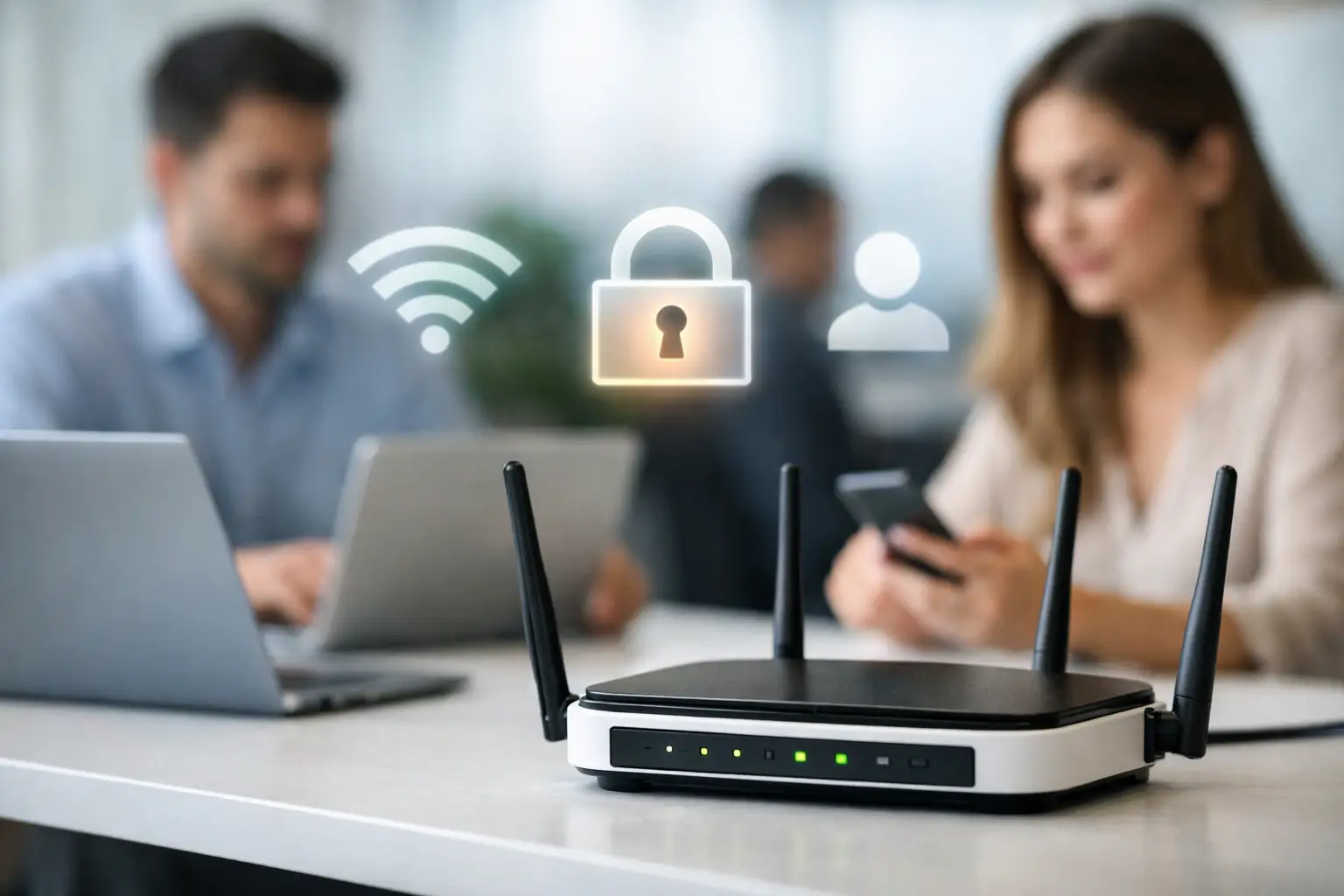
Wireless client isolation, also called AP isolation, peer-to-peer blocking, or station isolation depending on the vendor, prevents one WiFi client from sending traffic directly to another WiFi client on the same wireless network.
In practical terms, a guest on room 402's WiFi cannot scan another guest's laptop, browse a nearby phone's shared folders, or connect to a local smart device simply because both devices use the same SSID. Each device can still send permitted traffic to the default gateway and out to the internet.
The exact behavior depends on the access point and controller. Some products isolate only clients connected to the same access point. Others enforce isolation across all access points on the SSID. For a large property, airport terminal, or multi-floor hospital, SSID-wide enforcement is the standard to target. Isolating devices only within one access point leaves exposure when clients connect to different radios.
Where Client Isolation Belongs in Your Network Design
Apply client isolation to guest WiFi by default. It is equally useful for public-access networks in cafes, malls, transit hubs, waiting areas, and event venues. These are high-turnover environments where device trust is unknown and support teams cannot validate every endpoint.
Do not automatically enable it on every SSID. A staff network may depend on wireless printing, handheld ordering devices, barcode scanners, casting, local media controls, or device-to-device discovery. A hotel may also offer streaming or room-control experiences that require carefully controlled local communication. The objective is segmentation based on business function, not blanket blocking that creates avoidable service calls.
A practical design separates at least three traffic categories: guest access, staff operations, and infrastructure or IoT. Give each category its own SSID or appropriate network policy, VLAN, and firewall rules. Client isolation then becomes an additional safeguard on the guest segment, rather than the only line of defense.
This layered approach also supports a Zero Trust model, where guest devices receive only the network access they actually require
How to Configure Wireless Client Isolation
The setting is usually found in the wireless SSID profile, security policy, or advanced WLAN options of an access point, wireless controller, or cloud management console. Names vary, but look for client isolation, AP isolation, intra-BSS blocking, peer-to-peer blocking, or block LAN-to-WLAN multicast.
Before changing production settings, document the guest SSID, VLAN assignment, DHCP scope, gateway, DNS servers, captive portal flow, and any approved local services. This avoids a common mistake: enabling isolation without understanding whether the guest experience relies on a local printer, streaming device, registration system, or portal component.
1. Identify the guest network policy
Confirm which SSID is intended for untrusted guest traffic. In many deployments, the public SSID is mapped to a dedicated guest VLAN with internet-only firewall policies. If the guest SSID shares a VLAN with staff devices, payment systems, cameras, or access points, correct that design first. Client isolation can reduce peer visibility, but it does not provide the same protection as proper network segmentation.
For multi-location operators, standardize the SSID role and VLAN purpose across sites. Consistent naming and templates make it far easier to audit whether isolation is active everywhere.
2. Enable isolation at the SSID level
Turn on the feature in the guest SSID configuration. Select the broadest supported enforcement scope, preferably isolation across all clients on the WLAN rather than only clients associated with one access point.
If the platform provides separate controls for unicast, broadcast, and multicast traffic, begin with client-to-client unicast blocking. Then review broadcast and multicast options carefully. Blocking all multicast can interfere with Apple AirPlay, Google Cast, local discovery, and some managed-device workflows. On a public guest SSID, that trade-off is often acceptable. In a hospitality environment that promotes in-room casting, it may not be.
3. Preserve access to required network services
Guest devices still need DHCP, DNS, portal access, and a route to the internet. Make sure isolation does not block traffic to the gateway or captive portal infrastructure. Some controller platforms automatically allow these services; others require explicit exceptions.
If your captive portal or Radius services are hosted on a private network, firewall rules should allow guest clients to reach only the necessary IP addresses and ports. The portal does not need unrestricted visibility into guest or corporate VLANs. Restricting that path reduces risk and simplifies troubleshooting.
Start Hotspot deployments can centralize guest authentication, access policies, session control, payment acceptance, and branded portal experiences while the network enforces the underlying VLAN and isolation rules. This combination gives operators stronger control without turning the guest onboarding process into an IT project.
4. Apply firewall policy behind the wireless setting
Client isolation stops direct wireless peer traffic, but firewall policy controls what the guest network can reach beyond the radio. Create an internet-only rule set that denies guest-to-private-network access, including management interfaces, point-of-sale networks, back-office servers, cameras, and building systems.
Allow only the infrastructure services guests need. That normally includes DHCP, DNS, NTP where appropriate, captive portal or authentication endpoints, and outbound internet access. If a local service must be available, permit only that service's specific address and ports rather than opening the entire LAN.
5. Publish and test with real devices
Save the profile, push the policy to the relevant access points, and test from at least two wireless devices. Do not treat a successful internet speed test as proof that isolation works.
Connect two test clients to the guest SSID and verify that each receives an IP address, resolves DNS, completes portal authentication, and reaches the internet. Then attempt to ping each device, browse to a local service, use file sharing, and scan the guest subnet. The expected result is that peer-to-peer attempts fail while normal internet access continues.
Repeat the test with clients associated to different access points. This catches the common configuration problem where the vendor setting isolates devices only on the same AP. Also test after roaming between access points, particularly in hotels, hospitals, campuses, and large public spaces.
Common Problems After Enabling Isolation
The most frequent complaint is that a device can no longer find a printer, display, or streaming receiver. That is often the intended result, not a fault. The decision is whether that local service belongs on the guest network at all.
For approved use cases, avoid weakening the entire guest SSID. Use a separate SSID, a dedicated service VLAN, or narrowly scoped gateway rules. Some enterprise WLAN platforms offer Bonjour or multicast gateways that selectively advertise approved services across segmented networks. This can support managed casting or printing without exposing every guest device to every other device.
Another issue is incomplete isolation caused by wired paths. A guest device may be isolated from other WiFi stations but still reach a wired device on the same VLAN if firewall policy allows it. This is why wireless settings and VLAN-level access controls must work together.
Finally, monitor support tickets and connection analytics after the change. If guests cannot authenticate, the problem may be a captive portal exception or DNS policy rather than isolation itself. Centralized logs help teams distinguish a radio policy issue from a gateway, Radius, or portal workflow issue before it affects multiple locations.
Make Isolation a Repeatable Operating Standard
For one site, enabling AP isolation may take minutes. For a portfolio of hotels, restaurants, retail stores, or managed customer networks, the real value comes from enforcing the same policy everywhere. Build guest SSID templates with isolation enabled, assign the correct guest VLAN, apply internet-only firewall rules, and document approved exceptions.
Review the configuration whenever you add a new portal feature, local streaming service, managed IoT device, or hardware vendor. Wireless client isolation should protect the guest experience without silently breaking the services your operation has chosen to provide. That balance is what turns a basic public WiFi network into a controlled, scalable business service.
FAQ
Is wireless client isolation the same as network segmentation?
No. Client isolation prevents direct communication between wireless clients, while network segmentation uses VLANs, routing, and firewall policies to separate guest traffic from staff, infrastructure, and other protected networks.
Can client isolation affect casting or wireless printing?
Yes. Client isolation can block local discovery and direct communication required by services such as AirPlay, Google Cast, wireless printers, and similar devices. Approved services should use controlled exceptions or dedicated service networks rather than disabling isolation for all guests.
How can I test whether client isolation is working?
Connect two devices to the guest SSID and confirm that both can access the internet but cannot ping, scan, browse, or directly communicate with each other. For multi-AP networks, repeat the test while the devices are connected to different access points.
Prefer Antamedia on Google
Get practical guest WiFi and network management insights directly from Antamedia.