
Portal Authentication Versus MAC Authentication
In Brief: Portal authentication establishes the guest relationship, access terms, and service policy, while MAC-based authentication or recognition identifies a network device and can reduce repeated login prompts. MAC addresses alone should not be treated as strong identity credentials, especially because modern devices use private or randomized addresses. In supported MikroTik deployments, Antamedia WiFi Hotspot uses Hardware ID to recognize returning devices even when the randomized MAC address changes.
A hotel guest reconnects on day two, an airport traveler moves between terminals, and a restaurant customer returns every week. In each case, the access policy behind portal authentication versus MAC authentication determines whether WiFi feels convenient, controlled, and useful to the business. The right choice affects more than login screens. It shapes security exposure, support volume, guest data collection, paid access, and the ability to manage service consistently across locations.
For most guest WiFi deployments, this is not a pure either-or decision. Captive portal authentication establishes the guest relationship and terms of access. MAC-based recognition can reduce repeat-login friction after that relationship is established. The strongest design starts with the business outcome, then applies the right access method and policy controls.
What Portal Authentication Does
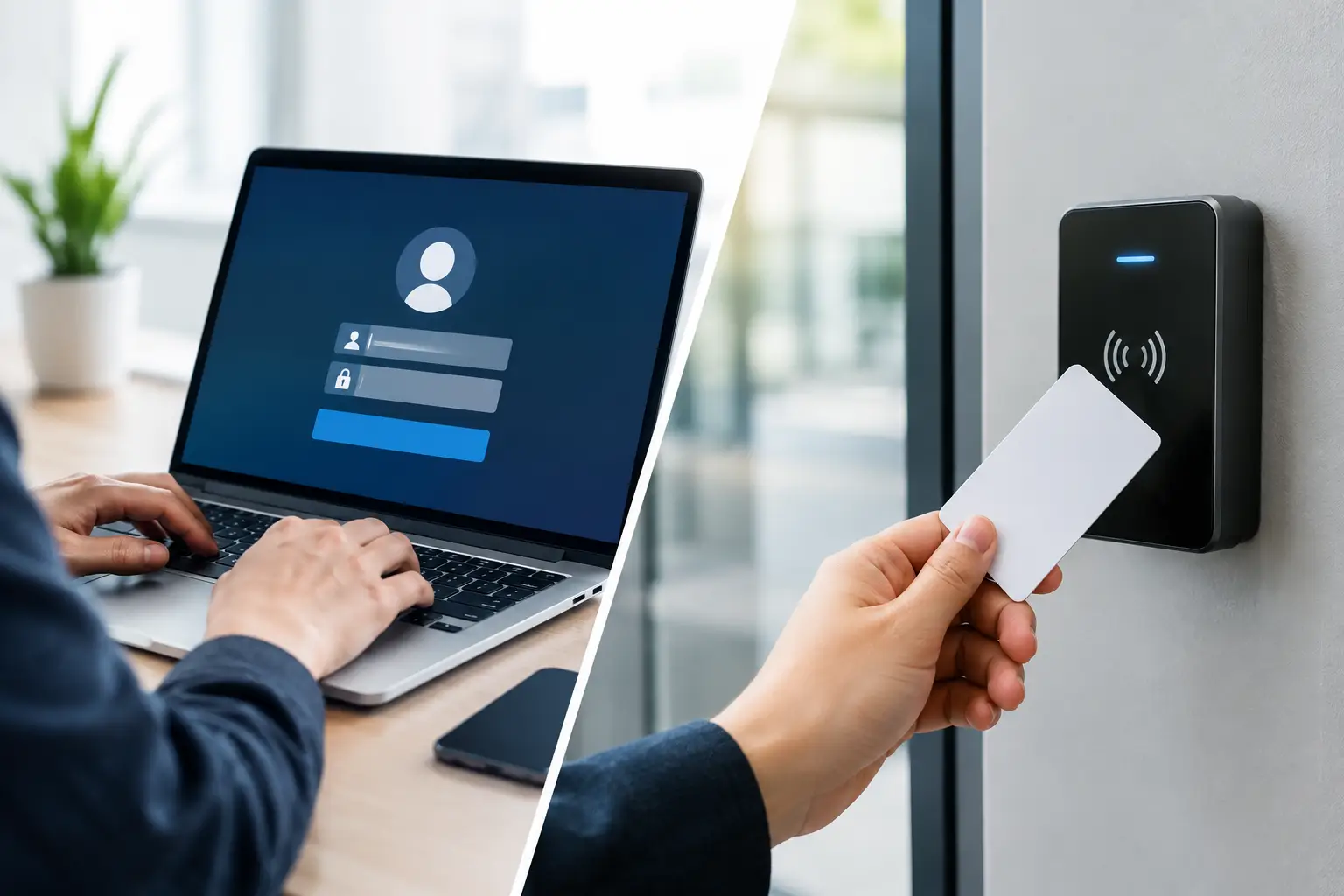
Portal authentication directs a newly connected device to a branded web page before granting internet access. The guest may accept terms, enter a password or voucher, sign in with an approved identity provider, purchase access, complete a survey, or provide contact details. The portal is the point where network access becomes an intentional interaction.
For hospitality, retail, venues, and public WiFi operators, that interaction has commercial value. A portal can display a property brand, collect consent, present an offer, support a paid WiFi plan, or ask a short satisfaction question. It also gives administrators a clear policy event: this device or user accepted the access terms at a specific time and received a defined level of service.
Portal workflows are highly flexible. A hotel might issue room-based credentials with multi-device limits. A cafe might provide two hours of free access after an email opt-in. A conference organizer might provide sponsor-branded access for attendees and paid premium bandwidth for exhibitors. These policies can be centrally configured while allowing each location to retain its own branding, pricing, and access rules.
The trade-off is friction. Operating systems handle captive portal detection differently, browser sessions can be interrupted, and guests occasionally need help finding the login page. The portal must load quickly, work well on mobile devices, and offer a clear path to support. Poor portal design turns a useful control point into a front-desk problem.
What MAC Authentication Actually Means
In guest WiFi discussions, MAC authentication usually means identifying or authorizing a device by its media access control address. A network can compare the device MAC address against an approved list, query it through RADIUS, or recognize it from a previous successful portal session.
This approach is often called MAC authentication, but it is not strong identity authentication. A MAC address identifies a network interface, not necessarily the person using it. It can be copied or spoofed, and modern phones and laptops frequently use private, randomized MAC addresses for each wireless network. That privacy feature is good for users, but it makes permanent device-based identity less reliable.
MAC-based access is still useful when it is applied with realistic expectations. It can support known operational devices such as printers, scanners, digital signage, payment terminals, and managed staff equipment that cannot complete a web login. It can also enable returning guests to reconnect without seeing a portal every time, provided the initial session was authenticated and the recognition window is limited.
MAC filtering alone should not be treated as a security boundary for sensitive systems. An attacker who observes an allowed MAC address may be able to imitate it. For employee access, regulated environments, and systems carrying private operational data, use stronger controls such as WPA2 or WPA3-Enterprise, certificate-based authentication, segmented VLANs, and role-based policies.
How Antamedia Handles MAC Randomization
Modern smartphones, tablets, and laptops increasingly use private or randomized MAC addresses to protect user privacy. This creates a problem for guest WiFi systems that rely only on the visible MAC address: the same physical device may appear with a different address and be treated as a new device, causing repeated login prompts or inconsistent device recognition.
In supported MikroTik deployments, Antamedia WiFi Hotspot resolves this problem through Hardware ID–based device recognition. The platform can recognize a previously authenticated device even when its randomized MAC address changes, so returning guests do not have to disable private MAC addressing simply to maintain a consistent WiFi experience.
This is particularly useful in hotels, resorts, residential properties, and other environments where users reconnect repeatedly over several days or move between multiple access points. Hardware-based recognition can work together with AutoLogin, Internet Plans, session limits, and device policies while the router continues to enforce the authorized access session.
The capability should not be generalized to every network vendor. With other router or controller platforms, MAC randomization handling depends on the supported integration and may require a different recognition or portal workflow.
Portal Authentication Versus MAC Authentication at a Glance
Decision areaPortal authenticationMAC authenticationPrimary purposeEstablishes guest access, consent, and policyRecognizes or allows a specific deviceUser experienceRequires an initial actionCan be nearly invisible after setupMarketing valueSupports data capture, offers, surveys, and adsLimited without a portal or other workflowSecurity strengthDepends on the credential and backend policyWeak when used by itself because MAC addresses can be spoofedBest fitGuest WiFi, paid access, vouchers, branded experiencesManaged devices and controlled return recognitionPrivacy considerationRequires clear consent and retention practicesMust account for MAC randomization and device tracking rules
The table highlights the central distinction: portals authenticate or register an access event, while MAC methods recognize a device. One can inform the other, but neither replaces a complete network security architecture.
Choosing the Right Model for Your Environment
A restaurant with free customer WiFi usually benefits from a lightweight portal. The customer accepts terms, receives a reasonable time limit, and may opt in to future promotions. MAC recognition can then remember that device for a defined period, reducing repeat logins for regular customers. The operator keeps the ability to reset the session, enforce fair-use limits, and separate guests from point-of-sale traffic.
Hotels need more detailed policy. Guests expect low-friction connectivity across rooms, lobbies, and meeting spaces, often with multiple devices per reservation. A portal can validate a room number and surname, voucher, event code, or paid plan. Once authorized, device recognition can reduce repeat logins as the guest roams or reconnects. In supported MikroTik deployments, Antamedia can maintain returning-device recognition through Hardware ID even when the device uses MAC randomization. The access policy should expire with checkout and should not rely on a MAC address as proof that the current user is the original guest.
Airports, malls, transit networks, and public venues must balance scale with privacy. A portal provides a consistent place for acceptable-use terms, sponsor messaging, bandwidth tiers, and local compliance notices. Device recognition may reduce friction during a traveler’s visit, but long-term tracking should be governed by a documented privacy policy, explicit consent where required, and a short, purposeful retention schedule.
Schools, hospitals, banks, and enterprise campuses should separate use cases instead of forcing one method across every device. Visitors can use captive portal access on an isolated guest network. Managed devices can use stronger enterprise authentication. Devices that cannot support interactive login or modern enterprise WiFi may use MAC-based authorization, but only within a tightly segmented network with minimum necessary access.
Build a Layered Guest WiFi Policy
The most effective deployments combine access methods with network segmentation and lifecycle controls. Start by placing guest traffic on a dedicated network with client isolation where appropriate. Guests should not be able to browse local servers, payment terminals, clinical systems, or other business-critical devices simply because they connected to WiFi.
Next, define what the portal needs to accomplish. If the goal is basic liability acceptance, keep the screen short and fast. If the goal is monetization, connect the portal to payment, define clear speed and time tiers, and make the purchase path easy to complete on a phone. If the goal is marketing, request only the data that has a clear business purpose and pair it with marketing consent.
Then define how device recognition will work. Consider a controlled reauthentication period rather than indefinite MAC allowlisting. A returning visitor might bypass the portal for 24 hours, seven days, or the duration of a hotel stay. This preserves convenience without turning a transient guest network into a permanent collection of trusted devices.
Finally, plan for exceptions. Staff, contractors, event exhibitors, and IoT devices have different requirements. Centralized policy management, RADIUS integration, audit logs, and location-level reporting make these exceptions manageable across a growing estate. Antamedia WiFi Hotspot can centralize captive portal workflows, guest authentication, Internet Plans, vouchers, billing, analytics, and access policies across supported locations. Antamedia Enterprise WiFi System provides the same guest-access model for organizations that require customer-controlled infrastructure, while hybrid deployments can combine centralized and local components where required. In supported MikroTik deployments, Hardware ID–based recognition also helps maintain a consistent returning-user experience when MAC randomization is enabled.
Common Mistakes That Create Risk or Friction
The first mistake is treating MAC allowlisting as secure authentication. It is convenient, not identity-proof. Use it for constrained devices or temporary recognition, and apply segmentation even when a device is known.
The second is making every returning guest log in again. Repeated portal prompts create complaints, particularly in hotels and multi-AP environments. A sensible recognition period, paired with session controls, usually delivers a better experience.
The third is collecting data without a defined use. If a portal asks for an email address, phone number, or marketing consent, operations and marketing teams should know exactly how that data will be used, protected, and retained. Less data with a clear purpose is often more valuable than a long form with poor completion rates.
The fourth mistake is assuming that the visible MAC address will always remain constant. Modern devices may use private or randomized MAC addresses, so guest WiFi platforms need a strategy for returning-device recognition. In supported MikroTik deployments, Antamedia WiFi Hotspot addresses this through Hardware ID, allowing previously authenticated devices to be recognized even when the randomized MAC address changes. Other network platforms may require different recognition or portal workflows.
Make Access Policy Serve the Guest and the Business
Portal authentication creates the business interaction. MAC-based recognition removes unnecessary repeat friction. Used together, they can deliver branded guest access without sacrificing operational control. The practical goal is not to choose the most restrictive method or the easiest shortcut. It is to give every user and device the right level of access for the right amount of time, while keeping the guest network useful, measurable, and separate from the systems your business depends on.
FAQ
Is portal authentication more secure than MAC authentication?
Portal authentication can establish a user or guest access event using credentials, vouchers, PMS information, payment, or another authentication method. A MAC address identifies a network interface and should not be treated as strong user identity by itself.
Can portal authentication and MAC recognition be used together?
Yes. A guest can authenticate through the captive portal first, after which device recognition can reduce unnecessary repeat logins while the configured access policy remains valid.
Does MAC randomization prevent Antamedia from recognizing returning devices?
In supported MikroTik deployments, Antamedia WiFi Hotspot uses Hardware ID–based recognition to identify previously authenticated devices even when their randomized MAC address changes. explore.antamedia.com
Should MAC authentication be used for staff or sensitive systems?
MAC-based authorization alone is not sufficient for sensitive access because MAC addresses can be copied or spoofed. Stronger authentication and network segmentation should be used where identity and security requirements are higher.