
Retail Footfall Analytics That Drives Store Growth
In Brief: Retail footfall analytics combines physical traffic data with commercial and digital signals to understand visitor volume, conversion, and store performance. Guest WiFi can complement entrance counters, cameras, and POS data with session activity, repeat-connection indicators, and consent-based customer engagement, but it should not be treated as a complete visitor count.
A busy store is not always a productive store. A location can attract hundreds of visitors, yet lose sales because queues build at the wrong time, high-value areas are overlooked, or promotions fail to reach the people most likely to respond. Retail footfall analytics gives operators a practical way to measure how people move through physical spaces and make decisions based on evidence rather than assumptions.
For single stores, the value may begin with better staffing and merchandising. For multi-location retailers, malls, airports, and mixed-use venues, it becomes a centralized analytical framework for understanding traffic patterns, comparing performance, and improving the customer experience at scale.
What Retail Footfall Analytics Measures
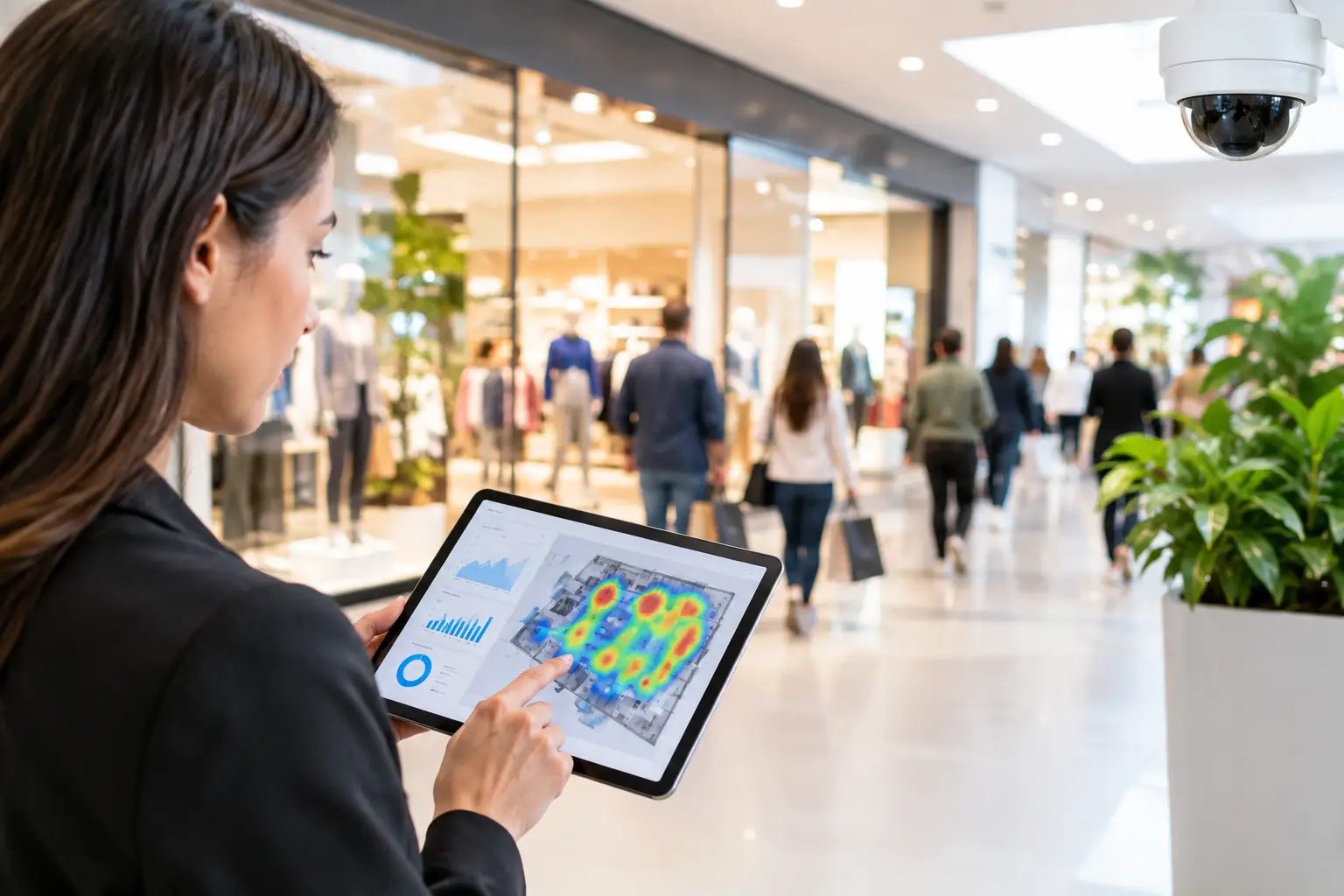
Retail footfall analytics measures visitor activity in and around a physical location. The basic metric is visitor count: how many people enter during a specific period. Useful analysis goes further by connecting traffic to time, zone, campaign, conversion, repeat visits, and customer behavior.
A store manager may need to know whether Saturday traffic increased. A regional operator needs to know why one location attracts more visitors than another, whether that traffic reaches key departments, and whether additional labor or marketing investment is justified. The data must answer both questions without creating extra work for local teams.
Depending on the technology deployed, footfall data can reveal entrance volume, dwell time, peak periods, route patterns, occupancy, returning-visitor trends, and traffic by floor or department. When connected with point-of-sale, promotion, and guest WiFi data, it can also show the commercial outcome behind the movement.
The distinction matters. High traffic is not automatically success. A store with lower footfall but stronger conversion and higher average transaction value may be performing better than a crowded location with poor queue management.
The Data Sources Behind Footfall Insights
No single source provides a complete view. The right deployment depends on the venue, its layout, privacy requirements, existing network infrastructure, and the decisions the business needs to make.
People counters at entrances provide clear visitor totals and are often appropriate when the main question is how many people entered. Camera-based systems can add directional movement and zone analysis, though they require careful consideration of placement, processing, and privacy policy. Point-of-sale systems provide transaction data but cannot explain how many visitors left without buying.
Guest WiFi adds a valuable digital signal to the physical environment. When visitors connect through a branded captive portal, retailers can measure WiFi sessions, repeat connections, session duration, and engagement with offers or surveys. With consent-led data collection, the WiFi journey can also support email, SMS, loyalty, and campaign workflows.
WiFi data has trade-offs. Not every visitor connects, and some guests carry more than one device. Device signals should therefore be treated as a behavioral sample or combined with entrance counts, not presented as a perfect headcount. Used correctly, it adds context that a door counter cannot provide: whether recognized guests reconnect, how long WiFi sessions last, and how they engage after connecting.
For enterprise operators, the strongest approach is often a blended model. Entrance traffic establishes volume. Guest WiFi session and venue context add digital engagement signals.
Which Metrics Matter Most
The most useful metrics are tied to operational or commercial action. Measuring every available data point creates noise, especially for teams managing dozens or hundreds of venues.
Start with footfall by hour, day, and location. This identifies traffic peaks, low-demand periods, and seasonal shifts. Compare this with staffing schedules to see whether employee coverage matches customer demand. In restaurants and cafes, this can reduce wait times. In retail, it can improve fitting-room, checkout, and floor coverage.
Next, assess dwell time and zone engagement. If visitors enter but spend little time in an area that contains featured products or promotional displays, the issue may be signage, product placement, access, or staff engagement. If dwell time rises without a related lift in sales, the business may need to examine queues, product availability, or pricing.
Conversion rate is where footfall becomes commercial intelligence. Divide transactions by visitors during the same period to understand how efficiently a location converts traffic into purchases. This metric needs consistent definitions. For example, mall traffic should not be compared directly with store-entry traffic, and POS timing should be aligned with the footfall reporting window.
Repeat visitation is equally valuable for businesses that depend on loyalty. A hotel lobby cafe, airport retailer, or shopping center may care less about a single visit than about whether guests return over time. Guest WiFi, when deployed with transparent consent and appropriate data handling, can provide repeat-connection indicators among recognized guests and support follow-up engagement.
Turn Footfall Data Into Better Decisions
Analytics has value only when it changes what the business does next. The most effective operators connect each metric to an owner, an action, and a review cycle.
If traffic consistently spikes from 5:00 p.m. to 7:00 p.m., staffing should be adjusted before the next schedule is published. If one entrance produces more visitors but lower conversion, review visibility, queue flow, product access, and the messaging customers see upon arrival. If a promotion increases WiFi portal engagement but not transactions, change the offer, targeting, or redemption process.
Campaign measurement becomes more reliable when operators compare footfall before, during, and after an activation. A location-based promotion should not be judged only by clicks or coupon claims. Did traffic increase? Did visitors spend more time in the relevant zone? Did transaction volume rise? Did the campaign attract new visitors or simply discount purchases that would have happened anyway?
For multi-location businesses, standardization is essential. Every site should use the same metric definitions, reporting intervals, and data retention rules. A centralized platform makes it easier to compare locations while allowing local managers to act on their own traffic conditions.
Antamedia WiFi Hotspot complements a retail analytics strategy by combining branded guest access, consent-based data capture, surveys, advertising, repeat-connection insights, and WiFi analytics. When combined with entrance counters, POS data, or other retail analytics systems, guest WiFi adds customer engagement context to broader store-performance reporting.
Privacy and Data Governance Are Operational Requirements
Footfall analytics should improve customer experience without creating unnecessary privacy risk. That means collecting only the data needed for the intended purpose, explaining how it is used, securing access, and following applicable privacy laws and internal policies.
For guest WiFi, clear portal language and consent choices are essential. Marketing permissions should be separate from basic network access where required. Operators should also define retention periods, role-based access controls, and procedures for responding to data requests.
Anonymized or aggregated reporting is often sufficient for occupancy, traffic trends, and staffing analysis. Identifiable customer information should be used only when there is a clear business purpose and a valid basis for collection. This discipline helps IT teams protect the network while enabling marketing and operations teams to use the data responsibly.
Build a Practical Retail Footfall Analytics Program
Begin with a narrow business question. A retailer may want to reduce checkout queues, improve conversion at underperforming stores, or prove the impact of a seasonal campaign. Select the data sources that can answer that question, then establish a baseline before changing operations.
Avoid treating a dashboard as the finish line. Review trends on a regular cadence, test one or two changes at a time, and document the effect on traffic, conversion, customer satisfaction, or revenue. Conditions differ by store format, market, weather, event schedule, and product mix, so broad conclusions should be tested locally.
The best retail footfall analytics program does not produce more reports. It gives operators the confidence to place the right people in the right areas, improve the guest journey, and invest in the locations and campaigns that create measurable growth.
FAQ
Can guest WiFi measure retail footfall?
Guest WiFi can provide useful session and repeat-connection data, but it does not represent every person entering a store. For accurate visitor counts, retailers typically combine WiFi insights with entrance counters, cameras, or other dedicated footfall technologies.
What data can guest WiFi add to retail analytics?
Guest WiFi can provide session activity, repeat connections, venue context, authentication data, survey responses, campaign engagement, and consented customer information.
How is footfall conversion calculated?
Retailers commonly compare visitor counts with transactions during the same reporting period. Consistent definitions and aligned reporting windows are important when comparing stores or campaigns.
Can footfall analytics identify individual customers?
Many footfall metrics can be analyzed in aggregated or anonymized form. Identifiable customer information should only be used where there is a defined purpose, appropriate notice, and a valid basis for processing.