
Guest Access That Protects Networks and Grows Revenue
In Brief
Well-designed guest access protects internal networks while giving visitors a simple, controlled way to connect. By combining network isolation, captive portal policies, bandwidth controls, consent-based engagement, and measurable commercial options, businesses can turn guest WiFi from a basic amenity into a managed operational and revenue-generating service.
A guest connects to your WiFi expecting one thing: fast, reliable internet. Your business needs more from that interaction. Well-designed guest access protects production networks, presents the right brand experience, captures permission-based customer data, and can create a measurable revenue channel.
For a hotel, that may mean offering paid premium bandwidth alongside complimentary access. For a restaurant, it may mean collecting survey feedback after a visit. For an airport, hospital, school, or retail center, it means serving thousands of users without exposing sensitive systems or creating an administrative burden for local staff.
The difference is not simply whether visitors can connect. It is whether the WiFi environment is designed as managed infrastructure with clear policies, centralized control, and commercial purpose.
Guest Access Is More Than a Separate SSID
A separate guest SSID is a starting point, not a complete guest WiFi strategy. Network segmentation should ensure guests cannot reach point-of-sale terminals, staff devices, security cameras, building systems, servers, or other private resources. That separation reduces risk and gives IT teams a cleaner way to apply policies by user type.
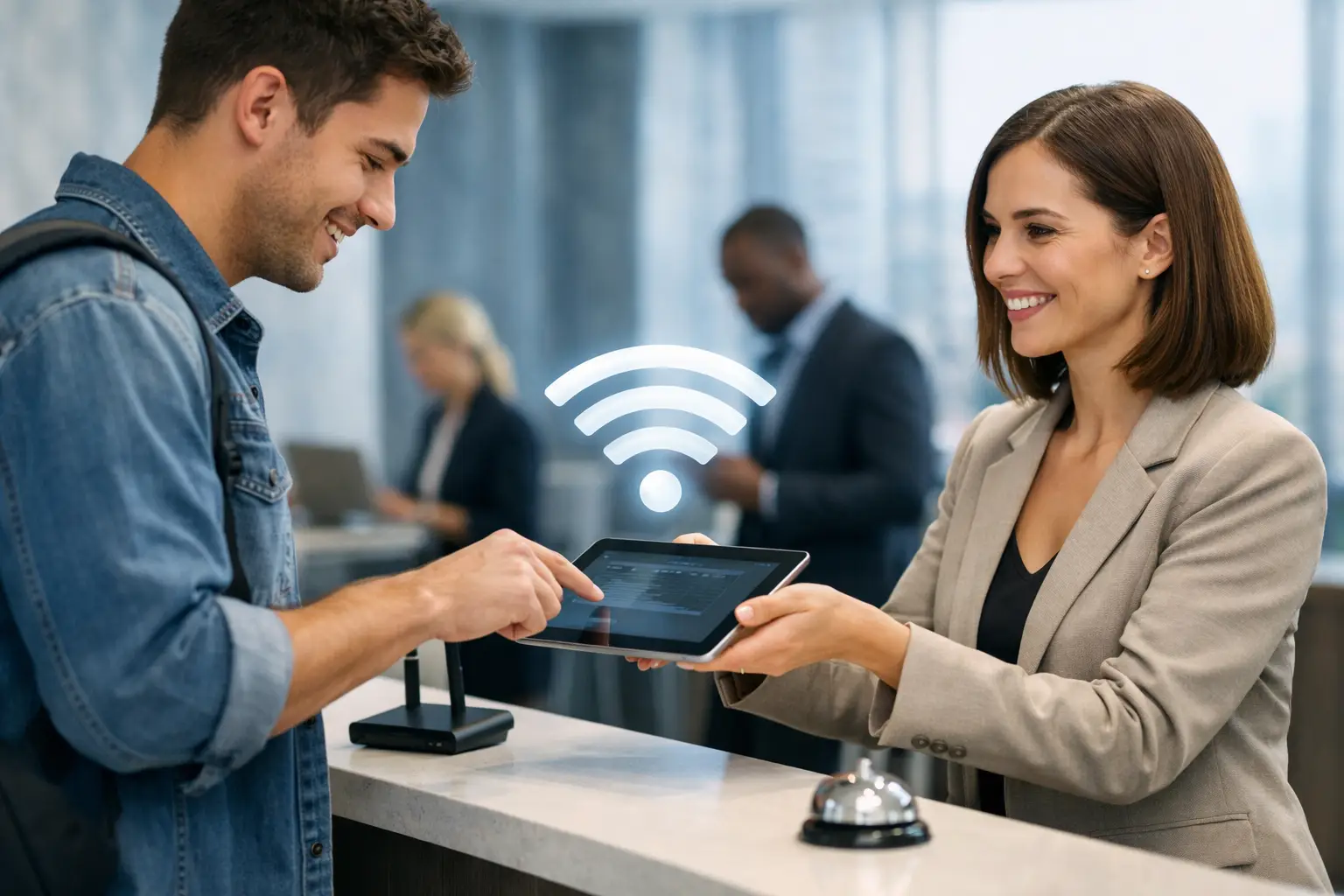
Effective guest access also requires control over the connection journey. A captive portal can present terms of use, collect required consent, offer login choices, display promotions, accept payments, or request a voucher code before internet access begins. The portal becomes the policy and engagement layer between an unmanaged visitor device and your network.
This matters because guest usage is unpredictable. A quiet café may have 20 connected devices in the morning and 100 during an event. A convention hotel may see traffic surge when attendees return from sessions. Network administrators need to manage bandwidth, session duration, device limits, and access rules without manually reconfiguring every access point or location.
Build the Right Access Model for the Venue
There is no single best authentication method. The right model depends on customer expectations, staffing resources, privacy requirements, and whether the business wants to monetize access or build a marketing database.
For low-friction environments, a click-through portal may be appropriate. Guests accept terms and receive access immediately. This approach supports quick connections but produces limited user identification. It is often useful where convenience matters most, such as a waiting room, public lobby, or transit area.
For businesses that need a stronger verification step, email or SMS login can provide a practical balance. It can support follow-up campaigns when users have provided valid marketing consent, while helping reduce abuse from repeated anonymous sessions. Social login may also fit consumer-facing venues, but it should be evaluated carefully based on the information collected, local privacy obligations, and the audience's willingness to use it.
Voucher-based access works well when staff need to control eligibility. Hotels can issue codes to guests, conference organizers can provide access to attendees, and schools can distribute time-limited credentials. For paid WiFi, an integrated billing portal can offer access packages based on time, data volume, or bandwidth tier.
The access method should support the business objective rather than add friction for its own sake. Asking a guest to complete a long form for 30 minutes of café WiFi can reduce participation. Conversely, offering unrestricted anonymous access on a high-traffic public network may create security and capacity concerns. Good policy design is specific to the venue.
Use Captive Portals as a Customer-Facing Channel
A captive portal is often the first digital interaction a visitor has with a location. Generic router pages waste that opportunity. A branded portal can carry the venue logo, current promotion, language options, terms, and a clear path to connect.
The commercial value extends beyond branding. Hotels can promote late checkout, dining, or spa services. Retail centers can direct shoppers to seasonal campaigns. Stadiums and event venues can display sponsor messages. Restaurants can invite customers to join loyalty programs or complete a brief satisfaction survey after their session.
The key is relevance. A portal should load quickly, work on mobile devices, and make the access decision easy. Advertising or data collection that delays the connection experience can hurt satisfaction, particularly in hospitality and healthcare settings. Set limits on the number of ads shown, use sensible session policies, and test the workflow on common phones, tablets, and laptops. When guest identification and marketing consent are available, WiFi can also support engagement beyond the initial connection. Returning visitors can receive more relevant promotions based on location, customer segment, previous engagement, or approved profile information, helping businesses turn repeat WiFi visits into measurable opportunities for loyalty, upselling, and customer retention.
For multi-location operators, centrally managed templates are especially valuable. Corporate teams can maintain brand standards and campaigns while allowing local managers to use location-specific offers. That avoids the cost and inconsistency of asking each site to maintain its own portal pages.
Protect Performance With Enforceable Policies
A guest network can affect business operations if bandwidth and device behavior are not managed. Bandwidth controls allow administrators to reserve capacity for critical applications while still delivering an acceptable experience to visitors. The goal is not to make guest WiFi slow. It is to prevent a few high-consumption devices from degrading service for everyone else.
Policies can define upload and download limits, session length, maximum devices per user, data allowances, and access schedules. A hotel may offer standard complimentary service with an option to purchase faster access. A library may provide daily time limits. A venue hosting an event may create temporary high-bandwidth packages for exhibitors or staff.
Content filtering and DNS controls may also be appropriate, especially in education, healthcare, government, and family-oriented public spaces. However, restrictions should be aligned with the organization's policies and jurisdiction. Overly aggressive filtering can block legitimate services and create support requests, so administrators should review categories and exceptions regularly.
Network isolation is equally critical. Client isolation prevents connected guest devices from communicating directly with one another. Combined with VLAN segmentation, firewall rules, and properly configured routing, it reduces the chance that a compromised visitor device can reach protected assets.
Centralize Operations Across Every Location
Managing guest WiFi locally may work for one small site. It becomes inefficient as soon as an operator adds hotels, restaurants, branches, campuses, or managed customer networks. Centralized cloud WiFi management gives administrators a single view of user activity, authentication methods, access policy, portal content, usage, and reporting across locations.
This operational visibility helps teams identify recurring issues. Are guests abandoning the portal at a certain step? Is one site experiencing excessive bandwidth demand? Which login method generates the highest successful connection rate? Are paid plans being purchased at locations where premium service is offered?
A centralized platform also supports faster policy changes. When legal terms, campaign content, or authentication settings need to be updated, administrators can apply the change across selected locations instead of logging in to individual controllers. For enterprise environments with on-premise requirements, the same principle applies: consistent policy, controlled administration, and clear reporting matter more as the footprint grows.
Hardware compatibility should be considered early. A guest access platform must fit the existing access point, gateway, controller, and AAA environment where possible. For larger deployments, support for RADIUS, controller integrations, APIs, and white-label operation may be essential.The best architecture is not always the one with the most features. It is the one that fits the operational model without forcing unnecessary hardware replacement or complex workarounds.
Measure Outcomes That Matter to IT and Operations
Guest WiFi reporting should not stop at connected users. IT teams need visibility into sessions, concurrent devices, bandwidth consumption, authentication failures, and infrastructure performance. Operations and marketing teams need a different view: consented contacts collected, survey completion rates, campaign impressions, voucher redemption, payment revenue, and repeat visits.
These measures help organizations make better decisions. If a portal campaign is producing impressions but no engagement, the offer or placement may need adjustment. If guests are repeatedly hitting bandwidth limits, the service tier may be too restrictive or upstream capacity may require review. If a location has many failed SMS logins, the authentication flow may need simplification.
Data collection must be handled responsibly. Clearly state what information is being collected, why it is collected, and how marketing consent is managed. Retain records according to company policy and applicable regulations. Customer trust is an operational asset, and guest WiFi should strengthen it rather than undermine it.
Turn WiFi From a Cost Center Into a Managed Asset
Guest access is often treated as a basic amenity until usage grows, an incident occurs, or leadership asks what the service contributes to the business. At that point, a consumer-grade setup is rarely sufficient.
Antamedia WiFi Hotspot and Enterprise WiFi System allow organizations to combine captive portal access, authentication, billing, customer engagement, analytics, and centralized administration within a managed guest access model. That is useful for a single venue and increasingly necessary for distributed businesses, service providers, and enterprise networks.
The practical next step is to map the guest journey at one representative location. Identify what visitors see before connecting, what they can reach after authentication, how much bandwidth they receive, what data is collected, and who can change the policy. Those answers will quickly show whether your guest WiFi is simply available or actively working for the business.
Frequently Asked Questions
Is a separate guest SSID enough to protect the business network?
No. A separate SSID should be combined with network segmentation, firewall policies, routing controls, and client isolation so guest devices cannot reach protected business resources.
Can guest WiFi generate revenue?
Yes. Businesses can use paid access, premium speed tiers, advertising, sponsorships, vouchers, and consent-based promotions depending on the venue and customer experience.
What should a captive portal control?
A captive portal can manage authentication, terms of use, consent, login methods, vouchers, payments, promotions, and the policies applied before internet access is granted.
What should businesses measure on guest WiFi?
Useful metrics include successful connections, authentication failures, concurrent users, bandwidth consumption, campaign engagement, voucher redemption, payments, consented contacts, and repeat visits.