
How to Integrate WiFi CRM for Better Guest Data
In Brief: WiFi CRM integration connects consent-based guest data and WiFi activity with customer profiles, segmentation, campaigns, and follow-up workflows. The strongest implementations keep guest access independent from CRM availability, use clean field mapping and deduplication, and turn WiFi interactions into measurable customer engagement.
Guest WiFi becomes more valuable when it does more than authenticate a device. When you integrate WiFi CRM workflows, the captive portal can turn a guest connection into a permission-based customer record, a timely marketing trigger, and a measurable business interaction.
For hotels, restaurants, retail groups, airports, campuses, and public venues, this is not simply a marketing project. It is a network and data architecture decision. The integration must preserve reliable access for guests while giving operations, marketing, and IT teams accurate information they can use.
What It Means to Integrate WiFi CRM
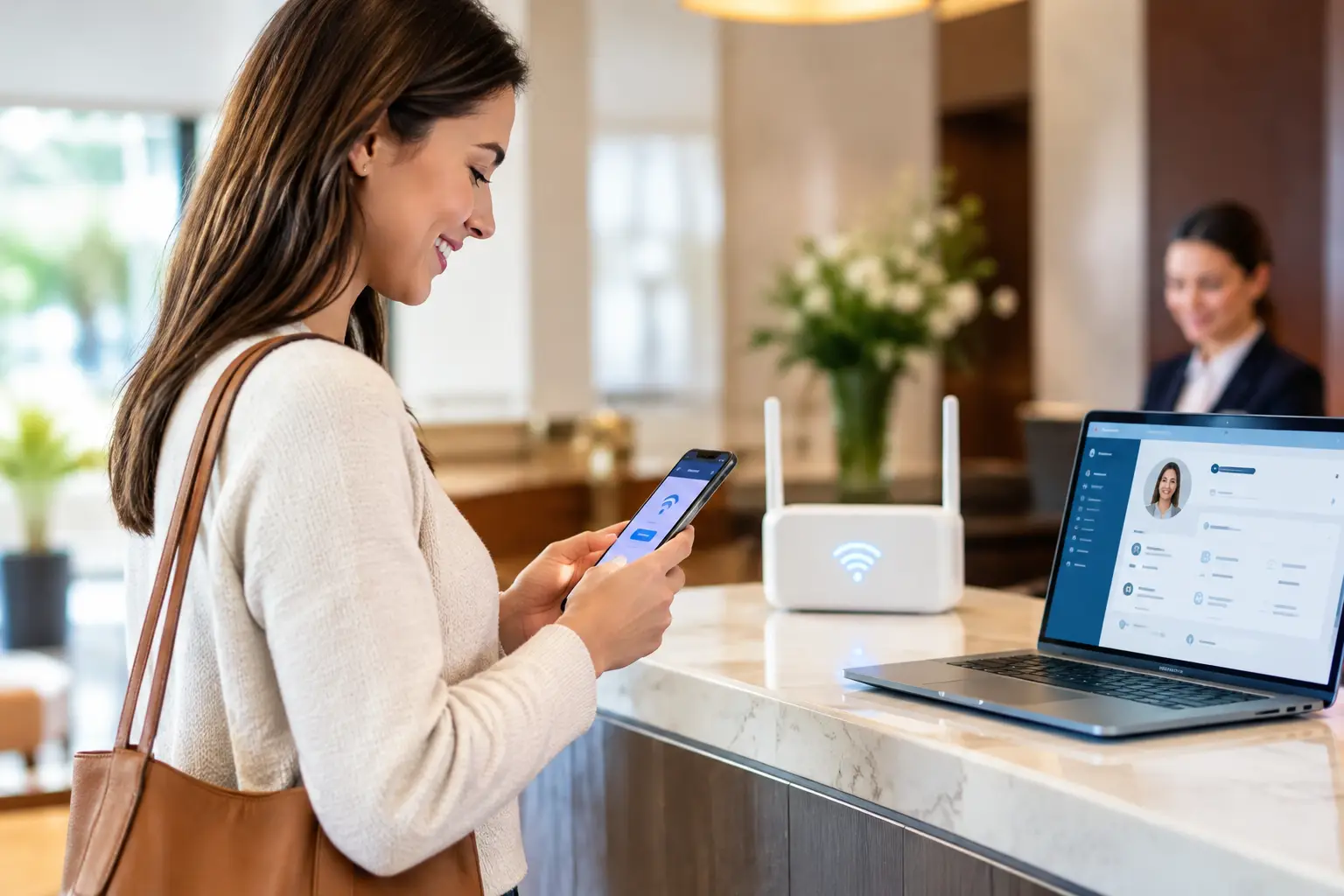
A WiFi CRM integration connects guest access data from a hotspot platform to a customer relationship management system. A guest enters an email address, mobile number, loyalty ID, survey response, or approved profile data from a social login credential through a branded captive portal. With the right consent and field mapping, that data is sent to the CRM as a new contact or matched to an existing profile.
The useful part is the context attached to that event. Unlike a standard website signup, guest WiFi can record where the interaction happened, when it happened, which portal campaign was shown, and whether the visitor returned. A restaurant group may identify repeat visits across locations. A hotel can connect a guest's WiFi session to a stay-related communication program. A shopping center can measure which promotional campaigns generated signups or return traffic.
The goal is not to collect every available data point. It is to collect the minimum useful information, document permission clearly, and make the resulting records actionable.
Start With the Customer Journey, Not the API
A CRM integration can fail even when the API connection works perfectly. The usual problem is that the portal asks for information without a clear benefit, or the CRM receives fields that nobody uses.
Define the guest journey first. Consider what happens at the moment of connection, immediately after access is granted, and after the guest leaves the venue. A cafe may offer WiFi in exchange for an email opt-in and deliver a return-visit offer the following week. An airport lounge may prioritize fast authentication and service feedback rather than promotional messaging. A university may use credential-based access and avoid marketing collection entirely.
This decision shapes the portal design. Short forms generally produce higher completion rates, while longer forms can support richer segmentation when the value exchange is clear. Asking for an email address and marketing permission may be appropriate for a retail promotion. Asking for date of birth, job title, and several survey questions at a busy quick-service restaurant usually is not.
Define the conversion event
Choose the action that matters most for each deployment. It might be a verified email signup, loyalty account match, paid access purchase, survey completion, or repeat visit. That event should be recorded consistently in both the hotspot platform and CRM.
Without a defined conversion event, teams tend to report vanity numbers such as total WiFi users. A large user count has limited value if it does not show consent quality, campaign response, revenue, or return behavior.
Build a Clean Data Model
The WiFi platform and CRM must agree on what each field means. This sounds basic, but inconsistent mapping creates duplicate contacts, unusable lists, and unreliable reporting.
At minimum, determine how the integration will handle email address, phone number, first and last name, consent status, language preference, location, portal name, login date, and campaign source. Add custom fields only when a team has a specific operational or marketing use for them.
Location deserves special attention for multi-site businesses. A single field labeled “location” is often insufficient when an enterprise needs to report by brand, region, property, venue, guest area, or configured hotspot group. Use a structured location convention from the beginning. For example, a hotel operator may need both the property identifier and the guest area, while a retailer may need the store number and market.
Device identifiers can help the WiFi system recognize returning users, but they should not become a substitute for a customer identity in the CRM. A guest may use several devices, share a device, clear browser data, or connect through privacy features that change network identifiers. Treat WiFi identity as a useful signal, not absolute proof of a person.
Connect the Systems Through the Right Method
The best method depends on the CRM, the WiFi platform, security requirements, and the volume of guest activity. Common approaches include a native CRM connector, API integration, webhooks, middleware, or scheduled file exchange for legacy environments.
A native connector is often the fastest route for standard lead or contact creation. An API-based integration can provide more control over field mapping, deduplication, workflow triggers, and error handling.. Middleware can be useful when a business needs to connect WiFi data with several systems, such as a CRM, loyalty platform, email service, point-of-sale environment, and business intelligence tool.
For enterprise deployments, the integration should also define what happens when a downstream CRM is temporarily unavailable. Guest access should not fail because a marketing system has an outage. Queue the event, retry transmission, log the error, and preserve a record for reconciliation. Network availability and customer data processing should be designed as separate functions.
Antamedia WiFi Hotspot can collect consent-based guest data through branded captive portals, authentication workflows, surveys, advertising, and other guest interactions. When used with Antamedia Engage, WiFi registration data, consent, activity, and communication history can become part of customer profiles, segments, campaigns, and follow-up workflows. External CRM platforms can also be connected through supported integration methods where required.
Use deduplication rules before launch
Most CRM databases already contain customer records from web forms, reservations, purchases, or loyalty enrollment. If every WiFi login creates a new record, data quality declines quickly.
Establish matching rules based on the strongest available identifier, typically a normalized email address or verified phone number. Decide whether the WiFi event should update an existing record, add a campaign activity, or create a new lead only when no match exists. Test these rules using common real-world cases, including alternate email addresses, missing names, shared family accounts, and repeat logins.
Make Consent Visible and Defensible
Guest WiFi data is customer data. The captive portal must clearly separate access terms from marketing permission where required, show the appropriate privacy notice, and record the guest's choice with a timestamp and source.
Pre-checked marketing boxes may raise compliance concerns and reduce trust. A clearer approach is to explain the value of opting in, such as receiving venue offers, loyalty updates, or event announcements, then provide an affirmative choice. The CRM should store the consent status and preserve the source as WiFi registration rather than treating all contacts as equally permissioned.
Requirements vary by jurisdiction, customer type, and communication channel. SMS, email, and behavioral analytics may each have different obligations. Work with legal and privacy teams before launch, especially for healthcare, education, government, and international guest populations.
Security also matters at the network level. Guest traffic should remain separated from internal business systems through proper segmentation, VLAN policies, firewall rules, and access controls. A CRM integration does not require guests to have access to corporate resources. It requires controlled transfer of approved registration data.
Turn WiFi Events Into Useful CRM Automation
Once records enter the CRM, the next step is automation based on meaningful behavior. The most effective programs are timely and location-aware rather than broad blasts to every WiFi contact.
A first-time guest could receive a welcome message or loyalty invitation. A visitor who connects repeatedly at the same property may qualify for a return offer. A customer who completes a service survey can be routed to a recovery workflow if they report a poor experience. For paid hotspots, a purchase event can trigger a receipt, access support information, or an offer for a higher-tier package.
Frequency control is essential. A guest who connects at multiple locations during a trip should not receive a new welcome email after every login. Set rules for contact cadence, suppression, and campaign eligibility inside the CRM. The WiFi platform provides interaction signals; the CRM should determine how and when those signals become communications.
Measure Commercial and Operational Results
Track the full path from portal view to customer outcome. Start with portal impressions, form completion rate, consent rate, successful authentication rate, and CRM delivery success. Then examine the business measures: campaign engagement, offer redemption, repeat visits, survey scores, paid access revenue, and customer lifetime value where available.
Segment results by venue, portal version, login method, daypart, and campaign. A low signup rate may be caused by a weak offer, too many required form fields, poor mobile portal performance, or a venue where guests only need quick access. The answer depends on the operating context.
IT teams should monitor a parallel set of metrics: authentication errors, API failures, delayed data delivery, duplicate records, captive portal load time, and support tickets. Commercial performance is difficult to trust if the guest experience is unreliable.
Launch Small, Then Standardize
A pilot at a representative location is usually more informative than an enterprise-wide rollout. Select a venue with enough guest traffic, a clear business owner, and manageable network conditions. Run the pilot long enough to capture repeat visits and campaign response, not just first-day registrations.
Use the results to refine portal copy, consent language, CRM mapping, automation rules, and reporting. Once those controls are proven, standardize templates and location naming for the broader rollout. This gives multi-location organizations central governance without forcing every property into an identical guest experience.
The strongest WiFi CRM programs make internet access easier for guests and customer engagement more accountable for the business. Build around permission, useful context, and reliable operations, and each connection can support a better next interaction.
FAQ
What is WiFi CRM integration?
WiFi CRM integration connects consent-based guest registration and WiFi activity with customer records, segmentation, campaigns, and follow-up workflows.
What guest data can be sent from WiFi to a CRM?
Depending on the portal configuration and consent, this may include contact details, location, authentication method, campaign source, survey responses, consent status, and relevant visit or session context.
Should WiFi access depend on the CRM being available?
No. Guest authentication and internet access should remain independent from downstream CRM availability. Integration events can be queued and retried if the CRM is temporarily unavailable.
How does Antamedia Engage work with WiFi Hotspot?
Engage can use WiFi Hotspot guest data, consent, activity, and communication history to organize contacts, build segments, run campaigns, and manage follow-up workflows.