
Multi-Site Guest WiFi Operations
In Brief
Multi-site guest WiFi management centralizes access policies, captive portals, authentication methods, bandwidth rules, branding, and reporting across locations while allowing approved differences for each venue. A scalable model uses shared templates, role-based administration, network isolation, and location-level analytics to maintain a consistent guest experience without managing every site independently.
A hotel group adds three properties. A restaurant operator acquires 20 new stores. An airport expands a terminal. The WiFi challenge is not simply adding access points - it is maintaining the same security, guest experience, brand standards, and reporting everywhere. Knowing how to manage multi site WiFi turns a growing network from an IT burden into a controlled business asset.
For multi-location organizations, local-by-local administration creates costly gaps. One venue may run an outdated guest policy, another may use an unapproved login page, and a third may have no clear record of who accessed the network. Centralized cloud WiFi management gives operators one place to set policy, monitor performance, control guest access, and measure commercial outcomes across every site.
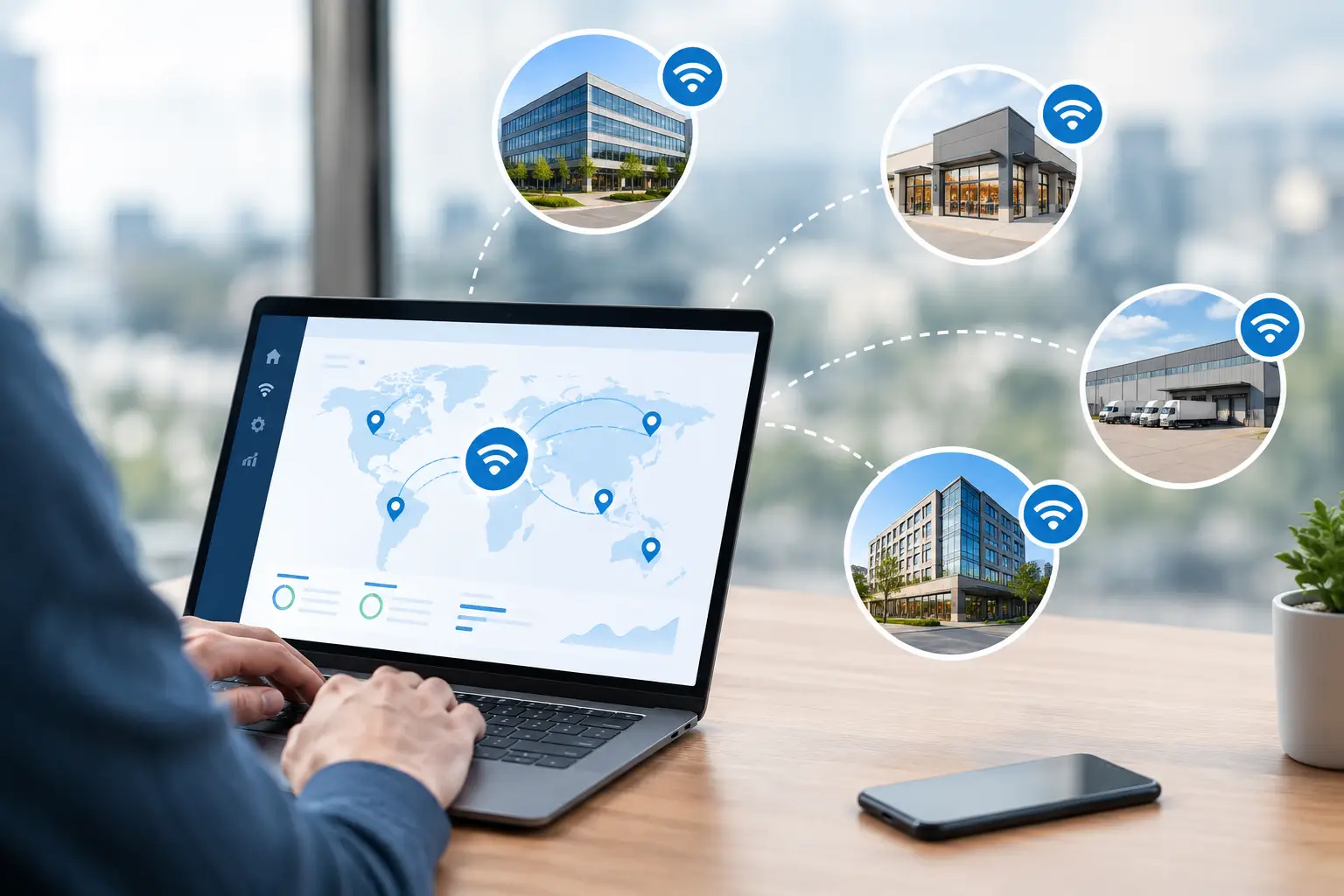
How to Manage Multi Site WiFi From One Platform
The right model starts with central administration rather than centralized traffic. Each location should retain reliable local internet access and local network performance, while administrators manage configuration, authentication, branding, and reporting from a single dashboard.
This distinction matters. Sending every guest session through one distant data center can add latency and create unnecessary dependencies. Centralizing control, however, lets IT teams deploy consistent policies without traveling to each property or logging into separate controller interfaces.
A multi-site guest WiFi platform should provide a unified view of locations, guest sessions, bandwidth usage, authentication activity, access policies, and reporting. Infrastructure-level information such as access point status and wireless health can be provided by the associated network controller or AP management system.
For enterprises with strict data residency, internal security, or government requirements, an on-premise deployment may be the better fit. The management principles remain the same: one policy framework, one operational view, and clear separation between locations.
Build a Location Structure That Matches Operations
Do not organize sites only by device serial numbers or IP ranges. Structure the management portal around how the business operates: brand, region, property, venue, building, floor, and service area. A national restaurant group may need region-level access for field IT teams, while a hospital network may require separate administration for campuses, departments, and guest zones.
Role-based access is essential. Corporate IT should be able to create standards and audit changes. Regional managers may need access to analytics and marketing campaigns. Local staff might only need to issue temporary access codes or view basic guest connectivity status. Giving every user full administrative rights increases risk and makes troubleshooting harder.
A useful operating model includes clearly defined permissions for corporate administrators, regional technical teams, site managers, help desk personnel, and external managed service providers. Each role should receive only the visibility and controls required to do its job.
Standardize Network and Guest Access Policies
Multi-site WiFi becomes difficult when every location makes its own decisions about SSIDs, passwords, login methods, speed limits, and acceptable use terms. Standardization reduces support time and gives guests a predictable experience, especially when they visit more than one location in your network.
Your central policy should define at least these operational controls:
Separate employee, guest, IoT, and administrative network segments.
Authentication methods for each user type, such as vouchers, SMS, email, social login, payment, or Radius-based credentials.
Bandwidth limits, session duration, device limits, and fair-use controls.
Content filtering, terms of use, consent capture, and data-retention requirements.
A standard procedure for incident response, access revocation, and policy changes.
The policy should not be identical everywhere without exception. A luxury hotel may offer higher guest bandwidth than a quick-service restaurant. An airport may require paid premium access tiers, while a school may require stronger filtering and time-based access. The goal is a controlled template system: common standards with approved variations by venue type.
Keep Guest WiFi Separate From Business-Critical Traffic
Guest WiFi should never compete freely with point-of-sale systems, property management platforms, clinical systems, security cameras, or staff devices. Segmentation through VLANs, firewall rules, client isolation, and traffic policies protects internal resources and limits the impact of guest activity.
At the same time, avoid treating guest access as an afterthought. A captive portal should authenticate visitors before granting internet access, apply the correct policy, and present an experience appropriate to the brand. This is where network control and customer engagement meet.
A branded portal can collect opt-in contact information, present terms and privacy notices, promote loyalty enrollment, deliver a survey, or display a relevant offer. For venues that charge for connectivity, it can also support paid access plans. The commercial value depends on the venue and local privacy requirements, but the network should be designed to support those options from the start.
Use Templates, Not Manual Configuration
Manually configuring guest access settings and portal workflows separately at each location may be manageable at two sites, but at 50 or 500 locations it creates configuration drift and repetitive administration.
Use reusable templates for SSIDs, captive portal pages, authentication flows, speed profiles, splash-page languages, advertising placements, and network policies. Assign templates by venue category or brand, then apply changes centrally. When legal wording changes, a campaign ends, or a security setting must be updated, the correction should reach every selected site through a controlled rollout.
Change control still matters. Test major changes at a pilot location before applying them network-wide. Schedule updates outside peak operating hours when possible, document the previous configuration, and retain a rollback path. Central management makes broad changes easy; disciplined release practices keep easy changes from becoming broad disruptions.
Monitor Experience, Not Just Device Status
Guest WiFi analytics and network infrastructure monitoring should work together. The guest access platform can identify authentication, session, bandwidth, and portal issues, while network controllers and monitoring systems provide access point, WAN, radio, and infrastructure health data.
An access point showing as online does not prove that guests can connect, authenticate, receive an IP address, or reach the internet. Multi-site monitoring needs to follow the guest journey from association through captive portal login and internet access.
Track core operational metrics by location, network, and time period. These include connected clients, authentication success and failure rates, bandwidth consumption, top usage periods, access point availability, WAN health, and recurring support events. A sharp rise in portal failures may point to a login integration issue. High client counts with low throughput may indicate insufficient coverage or capacity. Repeated disconnects in one area may signal radio interference, placement problems, or an upstream connection issue.
Alerts should be prioritized by business impact. A failed access point in a quiet back office is not the same as a failed controller or internet circuit serving a full hotel lobby. Create escalation rules that identify the affected location, service, and probable owner, whether that is local staff, corporate IT, an ISP, or a managed provider.
Turn Guest WiFi Data Into Location-Level Insight
Centralized WiFi management also creates a consistent measurement layer across a portfolio. Operators can compare visitor volume, returning guests, dwell time, portal conversions, survey responses, campaign engagement, paid access revenue, and bandwidth demand by site.
This data should guide decisions, not become another dashboard no one reviews. A retailer may compare store traffic patterns against promotion response. A hotel group may identify properties where guests report weak coverage. A transit operator may measure demand by station and peak commuting period. A restaurant chain may test whether a loyalty offer delivered through guest WiFi increases repeat visits.
Use consistent definitions across the organization. If one location counts a guest after portal views and another counts only successful authorizations, portfolio reporting becomes misleading. Standardized reporting rules make comparisons credible for IT, operations, and commercial teams.
Plan for Growth, Failure, and Local Reality
A strong multi-site design anticipates variation. Locations may have different internet providers, building materials, local regulations, languages, hardware generations, and staffing levels. Central management should reduce those differences without pretending they do not exist.
Document minimum site standards for internet capacity, access point placement, power, switching, VLAN configuration, and installation validation. For critical venues, include backup connectivity or a failover strategy. Define which guest access and network functions must remain available during a cloud, WAN, controller, or authentication-service outage, and verify the expected behavior during deployment testing.
Hardware compatibility also affects scale. A platform that supports a broad mix of access points and network environments can help organizations phase upgrades rather than replace every device at once. That flexibility is particularly valuable after acquisitions or for managed service providers supporting different customer environments.
Antamedia WiFi Hotspot centralizes guest access, captive portals, authentication policies, Internet plans, analytics, marketing, and reporting across multiple locations. Enterprise WiFi System provides a self-hosted alternative for organizations that require control over their own infrastructure and data.
The best next step is to select one representative site, define the guest and operational outcomes it must deliver, and build the policy template there. Once the model works in the real world, scaling it across the portfolio becomes a controlled rollout rather than a repeating network project.
Frequently Asked Questions
What should be centralized in a multi-site guest WiFi deployment?
Organizations should centralize guest access policies, captive portal templates, authentication methods, bandwidth and session limits, branding, reporting, and administrator permissions wherever the platform supports them.
Should every WiFi location use exactly the same configuration?
No. Core standards should remain consistent, but approved variations may be needed for different venue types, bandwidth capacity, local regulations, languages, access methods, and commercial requirements.
How should guest WiFi be separated from business systems across locations?
Guest traffic should use dedicated network segments with appropriate VLANs, firewall rules, routing policies, and client isolation so visitors cannot reach staff, payment, management, or other protected systems.
Is cloud or on-premise management better for multiple locations?
It depends on the organization. Cloud-hosted management can simplify deployment and administration, while on-premise systems may be preferable where data control, regulatory requirements, infrastructure ownership, or private deployment are priorities.