
What a Network Controller Does for Guest WiFi
In Brief: A network controller centralizes the configuration and monitoring of WiFi infrastructure, including access points, SSIDs, VLANs, radio settings, and network policies. For guest WiFi, it often works alongside a specialized guest access platform that manages captive portals, authentication, vouchers, payments, analytics, and customer engagement.
A hotel group opens a new property, a restaurant adds three locations, or an airport expands a terminal. The access points may be installed quickly, but operating guest WiFi consistently is another matter. A network controller gives IT teams one place to manage WiFi infrastructure, including device configuration, SSIDs, VLANs, radio settings, and network policies. In guest WiFi deployments, it can work with a captive portal or guest access platform that handles authentication, reporting, payments, and customer-facing workflows.
For organizations that treat guest internet access as more than a utility, the combination of a network controller and guest WiFi platform is where network operations meet commercial outcomes.
What Is a Network Controller?
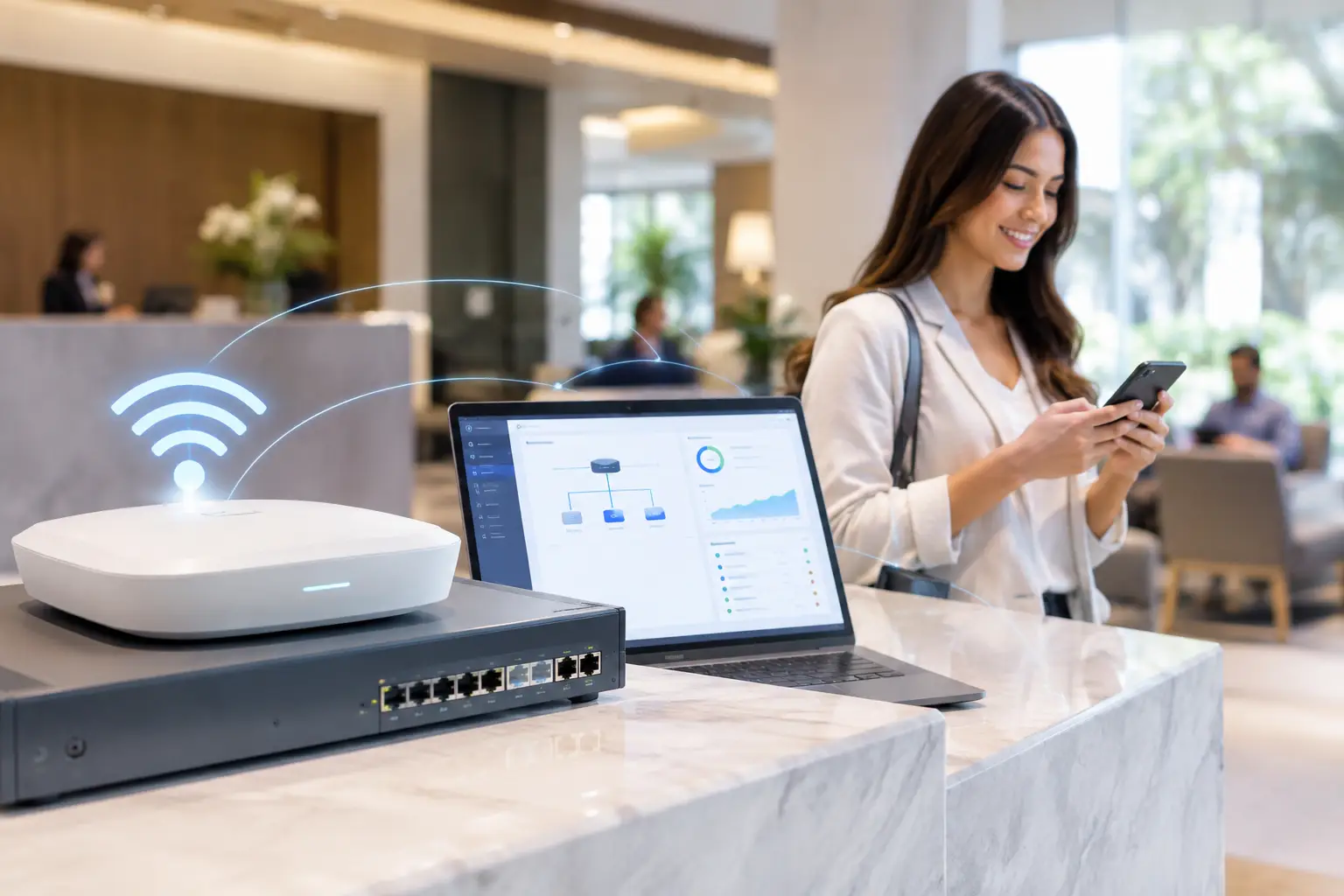
A network controller is the centralized software layer used to configure, monitor, and manage network devices and services. In a WiFi environment, it commonly manages access points, SSIDs, VLAN assignments, authentication methods, traffic policies, and firmware settings. Rather than logging into each access point separately, administrators apply standards from a single console.
The exact role depends on the network architecture. Some controllers are built into a hardware vendor's ecosystem and focus mainly on access point management. Others operate as virtual appliances or cloud platforms. For guest WiFi deployments, the most useful controller capabilities extend beyond radio settings. In guest WiFi deployments, the controller may also participate in authentication and policy enforcement, while a captive portal or guest access platform can manage terms acceptance, vouchers, payments, guest data collection, and other customer-facing workflows.
That distinction matters in public-facing environments. An employee network, a point-of-sale network, and a guest network should not be managed as if they carry the same risk or serve the same purpose. A controller establishes repeatable rules for each network while reducing the manual work required to enforce them across sites.
Why Guest WiFi Needs a Network Controller
Guest WiFi is often deployed in environments with high turnover, varied devices, and limited on-site IT support. A single cafe may have straightforward needs. A chain of restaurants, hospital system, university, transit provider, or managed service provider needs a way to apply policy at scale without creating a different configuration problem at every location.
A network controller helps standardize infrastructure settings such as SSIDs, encryption, VLAN assignments, client isolation, radio configuration, and network-level traffic policies. A guest access platform can then standardize authentication methods, session duration, Internet Plans, portal content, vouchers, and other guest-facing policies.
The network controller provides infrastructure visibility such as access-point status, client connectivity, wireless health, and network utilization. Guest WiFi analytics add authentication activity, session data, portal performance, and customer engagement. Used together, these views help teams distinguish network problems from guest-access or portal issues and respond more efficiently when users experience connection problems.
For multi-site organizations, the business case is usually less about replacing every local network task and more about establishing control without adding a proportional number of administrators. A controller lets a small central team manage policy while local staff focus on service delivery.
Core Capabilities That Matter in Guest Networks
Not every network controller is designed for customer-facing WiFi. When evaluating a platform, look beyond device inventory and basic uptime status. The following capabilities determine whether the system can support an effective guest access program.
Centralized access point and SSID management
Administrators need to create and update network settings across one site or hundreds. This includes SSIDs, radio settings, VLAN mapping, client isolation, bandwidth policies, and location-specific overrides. A good platform supports templates or groups so an approved configuration can be reused without forcing every property into an identical design.
For example, a hotel may need separate SSIDs for guests, staff, meeting rooms, and back-office systems. A controller can apply different authentication and traffic rules to each while keeping the underlying structure consistent across the portfolio.
Captive Portal and Guest Access Integration
The captive portal is often the first digital interaction a visitor has with a venue. It should be branded, responsive, and aligned with the access method the business wants to offer. Depending on the location, guests may connect through an access code, room number, mobile number, email form, social sign-in, sponsor approval, or paid plan.
The controller should connect that portal experience to the access policy. It can issue time-limited access, enforce terms of service acceptance, place guests in the correct network segment, and prevent a user from bypassing requirements by reconnecting repeatedly. For higher-control environments, integration with AAA RADIUS services adds stronger authentication and accounting options.
Segmentation and security policy
Guest users should not be able to browse internal devices, payment terminals, medical equipment, building controls, or other guests' devices. This requires more than a password. The controller must support segmentation through VLANs, firewall rules, client isolation, and role-based policies.
The appropriate design depends on the environment. A small retail location may use a simple guest VLAN with internet-only access. A hospital or airport may require stricter segmentation, defined retention policies, and coordination with a broader security architecture. Central policy management makes those protections easier to audit and maintain.
Analytics, marketing, and monetization
Guest WiFi creates a legitimate opportunity to understand visitor behavior, provided consent, privacy requirements, and data practices are handled appropriately. Network controllers may include basic guest services, but advanced analytics, marketing, advertising, surveys, data capture, and monetization are typically handled by a dedicated guest WiFi platform integrated with the network infrastructure.
The guest WiFi platform can collect consented customer details, present surveys, deliver promotional messages, display advertising, and report on portal engagement. It can also support paid Internet Plans where that business model fits.
Cloud, On-Premise, or Virtual Controller?
Deployment choice should reflect the organization's scale, compliance needs, connectivity model, and internal IT resources. There is no single correct option.
A cloud-managed controller is often the practical choice for distributed venues. It gives central teams remote access to configuration, reporting, and portal updates without requiring a controller server at each site. It is well suited to restaurant groups, retail chains, hotel portfolios, and managed WiFi providers that need fast rollout and consistent operations.
An on-premise controller may be preferable when an organization requires local control, has strict data residency requirements, operates in a restricted network environment, or cannot depend on external cloud connectivity for management functions. Large enterprises, government deployments, healthcare organizations, and certain education environments may favor this model.
A virtual controller offers another path. It can run in a private data center or approved cloud infrastructure, giving IT teams control over the hosting environment while avoiding dedicated controller hardware. The trade-off is that the organization assumes more responsibility for server capacity, backups, updates, and platform maintenance.
The key question is not simply where the controller runs. It is whether the deployment model can maintain local guest access when the internet connection is impaired, protect the relevant data, and remain manageable as locations and devices are added.
Designing the Controller Around Business Policy
The strongest deployments begin with policy decisions, not a list of access point models. Before configuration starts, determine which user groups need connectivity, what access each group should receive, how guests will authenticate, and which data the organization has a valid reason to collect.
A hotel may connect room-based authentication to its property management system. A restaurant may prioritize fast email or SMS access and rotate promotional offers by location. A university may provide open visitor access alongside authenticated student and staff networks. These use cases share infrastructure, but their policy and customer journey requirements are different.
Antamedia WiFi Hotspot complements the network controller by providing the guest-facing access layer, including branded captive portals, authentication workflows, Internet Plans, vouchers, consent-based data capture, analytics, advertising, surveys, and payment workflows. The network controller continues to manage WiFi infrastructure, while Antamedia centralizes guest access and engagement across supported locations.
The most practical rollout approach is usually to establish a baseline template, pilot it at a representative location, test the guest journey on real devices, and then expand in controlled phases. Testing should cover wireless coverage and roaming through the network infrastructure, as well as portal loading, authentication, payments, session expiration, and other guest access workflows.
Avoiding Common Controller Mistakes
Central management can amplify good decisions, but it can also spread bad ones quickly. The most common problem is treating all locations as interchangeable. A standard template is valuable, yet it must accommodate differences in floor plan, guest volume, internet capacity, regulatory requirements, and local operating procedures.
Another mistake is collecting data without a clear purpose or transparent consent experience. More form fields can reduce portal conversion, while unnecessary data creates additional governance obligations. Request only what supports a defined service, marketing, or analytics goal.
Finally, do not judge the controller only by its device management screen. A technically capable system that cannot support the desired captive portal, authentication model, reporting, or commercial workflow may force the organization to bolt on separate tools later. That increases cost and complicates support.
A Controller Should Make WiFi More Valuable
The right network controller makes guest WiFi easier to operate, safer to provide, and more useful to the organization. It gives IT teams policy consistency and visibility while giving operators a channel for service, communication, and revenue.
When guest access is designed around both network standards and visitor needs, WiFi stops being a recurring support burden and becomes infrastructure that can improve every location it serves.
FAQ
What does a network controller manage in a guest WiFi network?
A network controller typically manages access points, SSIDs, VLANs, radio configuration, client connectivity, and network-level policies from a centralized interface.
Is a network controller the same as a captive portal?
No. A network controller manages WiFi infrastructure and network policy, while a captive portal manages the guest-facing authorization or login experience. The two can work together.
Do I need a guest WiFi platform if I already have a network controller?
It depends on the required features. A controller may provide basic guest access, while a specialized guest WiFi platform can add branded portals, vouchers, payments, consent-based data capture, surveys, advertising, analytics, and marketing workflows.
Can a network controller and Antamedia WiFi Hotspot work together?
Yes, where the network hardware and integration method are supported. The controller can manage WiFi infrastructure while Antamedia WiFi Hotspot manages guest authentication, captive portals, access policies, and engagement workflows.