
How to Plan Stadium WiFi Capacity for Full Houses
In Brief: Stadium WiFi capacity should be planned around peak concurrent devices, zone density, airtime, application demand, wired backhaul, and mass authentication events—not seat count alone. Reliable full-house performance requires coordinated RF design, switching and internet capacity, resilient local services, guest access policies, and validation under real event conditions.
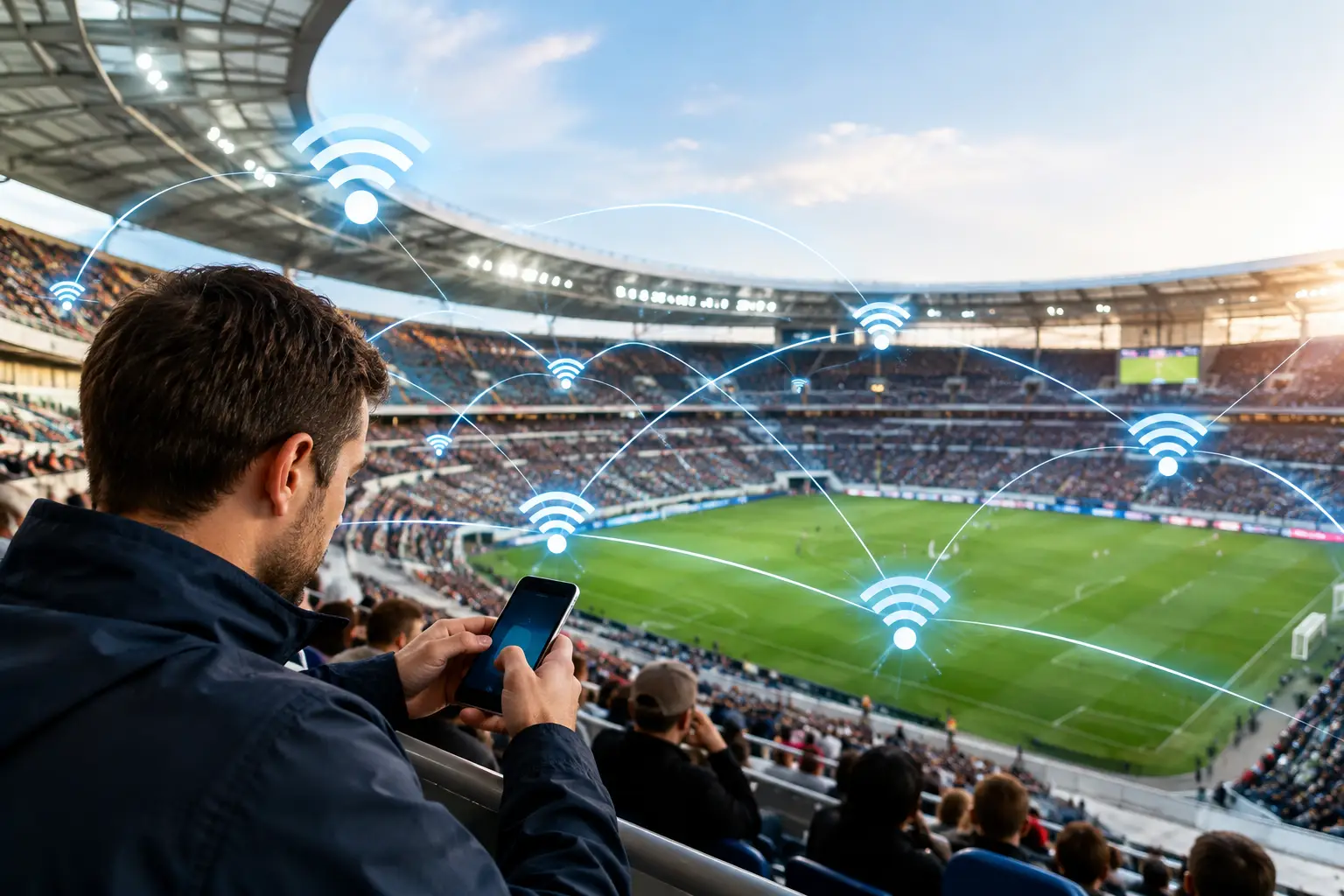
A sold-out stadium can turn a well-performing WiFi network into a public failure in minutes. To plan stadium WiFi capacity accurately, operators must model where people sit, stand, queue, and consume data - not just how many seats the venue contains. The objective is reliable service during the moments that create the highest demand: entry, kickoff, halftime, a major play, and exit.
For venue IT teams, capacity planning is also a commercial decision. Guest WiFi supports mobile ticketing, point-of-sale systems, staff communications, sponsor activations, concessions, loyalty programs, and branded digital experiences. If the network slows down when fans are ready to buy, share, or engage, the venue loses more than signal quality.
Start With a Realistic Stadium Demand Model
The first mistake in stadium WiFi design is treating attendance as the same thing as concurrent usage. A 60,000-seat stadium does not mean 60,000 active WiFi clients. It also does not mean a 10 percent adoption assumption will be safe for every event.
Build the model from expected users, devices, applications, and behavior. Start with average and peak attendance by event type. A regular-season game, playoff game, concert, international match, and corporate event can produce very different connection patterns. Concert crowds may generate more photo and video uploads, while sports crowds often create sharp spikes around replays, scoring events, halftime, and transit departures.
Estimate the number of connected devices separately from the number of attendees. Many guests carry at least one smartphone, but a portion will bring tablets, watches, or second phones. Staff, vendors, media crews, security teams, and operational systems add another client population that should not be buried in the guest estimate.
Then define concurrency. This is the percentage of associated clients actively sending or receiving meaningful traffic at the same time. Capacity should be based on busy-minute demand, not all-day averages. A network that works at 2 Mbps per active user during seat filling may need far more headroom when thousands of fans begin uploading video simultaneously.
A useful planning equation is:
Peak required throughput = active clients during the busiest period × expected throughput per active client
The throughput assumption depends on the experience you promise. Basic messaging and ticket access have a low requirement. High-definition video, social uploads, in-seat ordering, live statistics, and app-based promotions raise the number substantially. Plan for the services the venue wants to offer in two or three years, not only the portal it operates today.
Plan Stadium WiFi Capacity by Zone, Not by Venue Average
A stadium is a collection of radio environments with radically different density, construction materials, dwell times, and traffic profiles. A venue-wide average hides the locations where complaints and dropped transactions actually occur.
Separate the design into zones such as seating bowls, suites, concourses, club levels, press areas, parking zones, gates, concession lines, team facilities, and back-office spaces. Each zone needs its own client forecast, application mix, coverage target, and access point strategy.
Seating Bowl Capacity
The seating bowl usually drives the most demanding RF design. Thousands of devices are packed into a confined area, with human bodies absorbing signal and reducing usable propagation paths. Overhead access points can work in selected layouts, but under-seat, handrail, and directional deployments often provide better reuse in high-density sections.
The goal is not to make every access point transmit farther. In dense environments, lower cell sizes and careful directional design generally produce better results. Smaller cells reduce the number of clients competing for the same airtime and limit co-channel interference. The trade-off is more equipment, more cabling, more switch ports, and greater design discipline.
Concourses, Gates, and Concessions
Concourses often see the sharpest traffic bursts because fans move in waves. During halftime, people cluster around food, restrooms, merchandise, and sponsor displays while using mobile payments and venue apps. A coverage-first design in these areas can leave too many devices on too few radios.
Treat payment terminals and operational applications as business-critical traffic. Where possible, segment them from public guest access and apply appropriate quality-of-service policies. A guest livestream should not compete on equal terms with a concession transaction.
Premium, Media, and Operations Areas
Suites and club spaces may have fewer users per square foot than the bowl, but guest expectations are higher. Media areas can require sustained upstream capacity for image and video transmission. Security, broadcast, building management, and staff devices may require stricter authentication, private SSIDs, or dedicated network segments.
These use cases belong in the capacity model from the beginning. Adding them later often creates unnecessary SSID sprawl, VLAN complexity, and backhaul pressure.
Design the RF Layer for Airtime Efficiency
WiFi capacity is constrained by airtime, not simply by the number of access points installed. Every client needs time on the radio channel, and poor RF conditions consume disproportionate airtime. A legacy device connected at a low data rate can reduce performance for users around it.
Prioritize modern client capability where the hardware and venue design allow it. The 5 GHz and 6 GHz bands typically offer more usable spectrum and less congestion than 2.4 GHz. However, band selection is not a shortcut. Device compatibility, regulatory requirements, physical obstructions, antenna placement, and channel reuse must all be validated on site.
Channel width requires restraint. Wider channels can increase peak throughput for an individual client, but they also reduce the number of non-overlapping channels available for high-density reuse. In a packed bowl, narrower channels are often the practical choice because they support more predictable cell planning. The correct approach depends on the spectrum available, client mix, and access point density.
Disable or limit outdated data rates where appropriate, tune transmit power deliberately, and use band steering carefully. Aggressive steering policies can frustrate users when they are not tested against the actual device population. The purpose is to improve the overall client experience, not to force a textbook RF policy.
Size the Wired Network and Internet Edge
An excellent wireless design will still fail if the wired infrastructure cannot carry the traffic. Every access point uplink, access switch, aggregation layer, firewall, DHCP service, DNS resolver, authentication service, and internet connection must be sized for peak conditions.
Multi-gigabit access point ports may be necessary where modern radios can exceed the practical limits of a 1 GbE uplink. Power budgets matter as well. High-capacity access points, external antennas, and additional radios can increase PoE requirements, so switch power should be calculated with operational headroom rather than selected at the minimum specification.
Internet bandwidth should be based on the expected busy-minute aggregate, plus a margin for unexpected adoption and traffic bursts. Venues that depend on cloud point-of-sale, ticketing, or security platforms should also consider redundant circuits and diverse paths. A secondary connection is useful only if failover is tested under load.
Local services deserve equal attention. Poor DHCP lease design, overloaded DNS, captive portal delays, or an undersized RADIUS platform can make a fast internet connection appear broken. Authentication and onboarding should be tested at mass arrival rates, when thousands of guests may attempt to join within a short window.
Separate Access, Security, and Commercial Policy
A stadium WiFi network serves different audiences with different priorities. Guests need fast, simple onboarding. Staff and operational devices need controlled access. Payment, security, and administration systems require segmentation and stronger security controls.
Use separate network policies for public access, employees, vendors, media, and critical operational devices. Apply client isolation for public WiFi where appropriate, and avoid exposing internal systems through guest network misconfiguration. Centralized authentication, role-based access, and clear retention policies help maintain control across events and locations.
The guest onboarding flow is part of capacity planning because every extra step adds friction at peak arrival time. A branded captive portal can collect consent, email preferences, marketing preferences, survey responses, or sponsor engagement data, but it must load quickly and work on common mobile devices. Keep the initial path focused on access. Marketing can be valuable without turning connectivity into a queue.
Antamedia WiFi Hotspot can centralize guest access policies, captive portals, analytics, payment options, advertising, and customer data collection across venue networks. Stadiums that require local infrastructure and greater control over deployment and data can use Antamedia Enterprise WiFi System as an on-premise alternative. Network infrastructure, RF design, switching, and access-point management remain the responsibility of the venue’s networking platform and hardware.
Validate With Event-Condition Testing
A predictive survey is necessary, but it is not a final answer. Stadium capacity must be tested under conditions that resemble a real event. Empty-seat measurements cannot fully represent body loss, crowd movement, device contention, or the sudden upload behavior that follows a major moment on the field.
Run validation tests during smaller events, rehearsals, or controlled load exercises. Measure association success, authentication time, DHCP response, DNS latency, retransmissions, channel utilization, packet loss, client distribution, and application performance. Review data by zone and by time period, especially at ingress, halftime, and egress.
Monitoring should continue after launch. Watch for access points carrying disproportionate client loads, recurring interference, failed roaming behavior, overloaded uplinks, and portal abandonment. Guest WiFi analytics should be reviewed alongside controller, AP, switch, WAN, and RF telemetry so that access-policy issues can be separated from infrastructure bottlenecks. The right response may be a configuration adjustment, a new antenna position, a different channel plan, additional backhaul, or a revised guest policy. It depends on what the telemetry shows.
A stadium network earns confidence when it performs during the event everyone remembers, not during an empty-building test. Plan for those high-pressure minutes, connect capacity decisions to guest and revenue outcomes, and keep improving from real event data. That is how WiFi becomes a controlled venue service rather than a recurring game-day risk.
FAQ
How many WiFi users can a stadium support?
There is no universal number. Capacity depends on concurrent active devices, RF design, access-point density, spectrum, wired backhaul, authentication infrastructure, and the applications guests use during peak periods.
How should stadium WiFi capacity be calculated?
Start with the busiest expected period and estimate active clients by zone, then multiply that by the expected throughput per active client. RF airtime, switching, internet capacity, DHCP, DNS, and authentication services must all be sized for the same peak conditions.
Why is stadium WiFi planned by zone instead of total attendance?
Seating bowls, concourses, gates, suites, media areas, and concessions have very different density and traffic patterns. Zone-based planning prevents venue averages from hiding local bottlenecks.
Does a captive portal affect stadium WiFi capacity?
Yes. Large numbers of guests may authenticate within a short period, so captive portal, RADIUS, DHCP, DNS, and related onboarding services must handle mass-arrival peaks without adding noticeable delay.