
WiFi Session Timeout Settings for Guest Access
In Brief
WiFi session timeout defines how long a guest remains authorized before reauthentication is required, while idle timeout removes access after a period of inactivity. The right settings should balance guest convenience, security, network capacity, and the natural visit duration of each venue rather than applying one timeout policy to every user and location.
A wifi session timeout is not a minor captive portal setting. It determines how long a guest remains authorized, when they must reconnect, how often you can present terms or offers, and how much exposure an unmanaged device has on your network. Set it too aggressively and guests complain that WiFi keeps dropping. Set it too loosely and you lose control, data quality, and opportunities to manage capacity.
For hotels, restaurants, hospitals, campuses, transit hubs, and multi-location retail, the right policy is rarely one universal number. It should reflect the guest journey, the venue's security requirements, available bandwidth, and whether WiFi is a service benefit, a marketing channel, or a paid product.
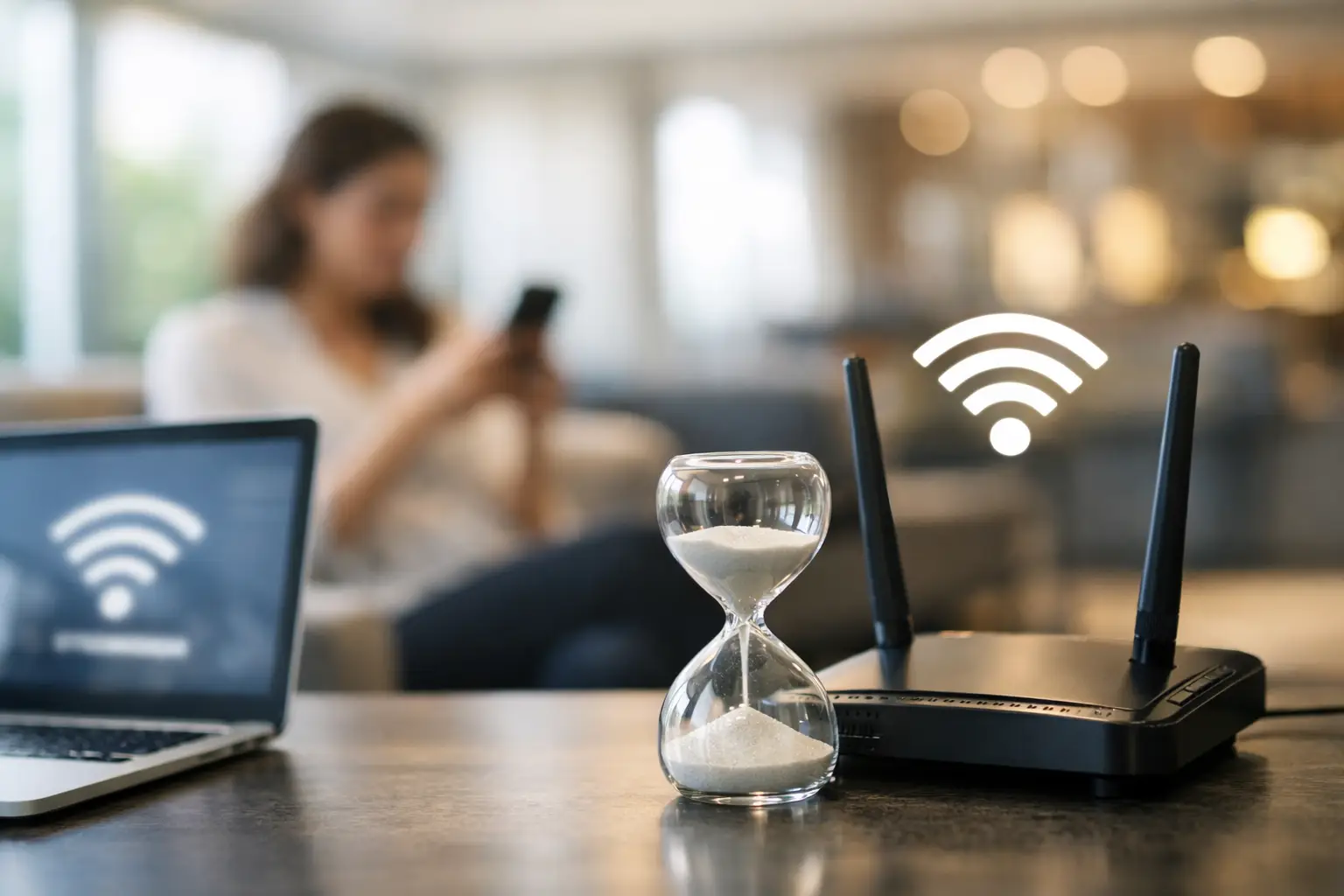
What a WiFi Session Timeout Controls
A WiFi session timeout sets the maximum amount of time a user can stay authenticated after completing captive portal login, voucher entry, payment, social login, or another access method. When the configured period ends, the network removes authorization and the guest must authenticate again to continue using the service.
This control is often confused with an idle timeout. They solve different problems. A session timeout ends access after a fixed elapsed period, whether the device is active or not. An idle timeout ends access when the device has not generated meaningful traffic for a defined period. A device can be actively streaming video and still reach its session timeout. Conversely, a device may be connected to WiFi but lose access under an idle policy because it has been unused.
DHCP lease time is another separate setting. It controls how long a device can retain its IP address, not necessarily how long it can use the internet. Aligning these values can simplify operations, but they do not need to be identical.
Why Timeout Settings Affect Business Results
Guest WiFi access has commercial and operational value only when the experience is consistent. A poorly designed timeout policy creates help desk tickets, front-desk complaints, and negative reviews. It can also generate misleading analytics when the same guest appears as multiple disconnected sessions without a reliable identity layer.
At the same time, indefinite access is not automatically customer-friendly. Guests may return days later, reconnect without seeing updated terms, and consume capacity intended for current customers. In a hotel, a former guest sitting in the parking lot should not retain unlimited access simply because their phone remembers the SSID. In a café, a device that connected weeks ago should not bypass a current paid-access or acceptable-use policy.
The most effective policy balances four competing priorities:
Guest convenience, especially for longer visits and repeat use
Network security and the need to reauthorize devices periodically
Bandwidth and capacity management during busy periods
Business goals such as lead capture, payment access, surveys, and promotions
The trade-off changes by venue. A short timeout can be appropriate for a high-turnover quick-service restaurant. It is usually a poor choice for an overnight hotel guest attending video meetings from their room.
How to Choose a WiFi Session Timeout by Venue
Hotels and resorts
Hotel guests expect internet access to work throughout their stay. A 24-hour session timeout can be a practical starting point for many hotels because it minimizes friction while still allowing periodic reauthorization, policy updates, or tier changes. Properties that tie WiFi access to a room number and surname, PMS integration, or paid plan can also align the timeout with checkout time.
For resort conferences or managed group access, use separate policies. Event attendees may receive an eight- or twelve-hour access window, while overnight guests receive 24 hours or access through departure. This avoids forcing every user into the same experience and supports premium bandwidth packages where appropriate.
Restaurants, cafés, and retail
In high-turnover venues, one to four hours often works well. It gives customers enough time to dine, shop, or work briefly without granting open-ended access. A two-hour session can also support a return-to-portal experience for guests who remain longer, where you can present a survey, current promotion, or opt-in marketing message.
Do not set a 30-minute session simply to drive repeated marketing impressions. The resulting frustration usually outweighs the data value. If repeat engagement matters, use a reasonable session duration and a clearly designed reauthorization flow.
Airports, transit, and public venues
Public venues need policies that account for unpredictable dwell time and a large volume of unfamiliar devices. Four to twelve hours is often practical, depending on passenger journeys and free-access terms. A shorter free session followed by a paid option can work when the pricing is transparent and the payment process is reliable.
Capacity controls matter as much as timeout length in these environments. Pair access duration with bandwidth limits, device limits, fair-use rules, and traffic shaping. A timeout by itself will not prevent a small number of devices from consuming disproportionate bandwidth.
Hospitals, schools, and campuses
These environments benefit from role-based access. Visitors may receive a 12- or 24-hour session, while students, staff, patients, or authorized contractors use longer-term credentials. For hospitals, a 24-hour visitor policy reduces burden on nursing and reception teams. For schools, guest access may need to end at the close of a day or event, while authenticated users follow institutional identity policies.
Proper guest WiFi isolation keeps visitor traffic separated from internal resources. Timeout settings support that control, but VLAN segmentation, firewall policy, client isolation, and identity-aware access rules remain essential.
Pair Session Timeout With Idle Timeout
Using both timers is usually the better design. The session timeout defines the longest permitted visit. The idle timeout releases inactive sessions that no longer need network resources.
For example, a hotel could use a 24-hour session timeout with a two-hour idle timeout. A guest actively using the internet retains service throughout the day. A device abandoned in a lobby or left dormant after checkout is cleared sooner. A restaurant might use a two-hour session timeout with a 30-minute idle timeout to match its faster turnover.
Be careful with very short idle timers. Modern phones and laptops reduce background activity to save battery, and some business applications remain open without producing constant traffic. A ten-minute idle timeout may disconnect a customer who is reading, working offline, or waiting for a call. Review actual behavior before making a short idle policy permanent.
Well-designed session controls also support a Zero Trust approach by preventing guest authorization from becoming permanent access.
Build Reauthorization Into the Guest Journey
When a session expires, the next screen matters. A blank browser error or confusing login loop turns a normal network control into a support issue. The captive portal should clearly explain that the access period has ended and provide a quick path to reconnect.
For known guests, reauthorization can be lightweight. A returning hotel guest may confirm room details. A loyalty member may receive a one-click continuation flow. A paid user should have their entitlement recognized without being asked to buy access again. For first-time visitors, the portal can collect consent, display terms, or offer a relevant promotion before granting access.
This is where centralized guest WiFi management becomes commercially useful. Antamedia WiFi Hotspot enables operators to apply access rules across locations while combining captive portal workflows with vouchers, payments, guest data capture, advertising, and analytics. Instead of treating expiration as a disconnection event, operators can make it a controlled point of customer interaction.
Avoid Common WiFi Session Timeout Mistakes
The most common error is using one timeout for every SSID, venue, and user type. Staff, guests, contractors, loyalty members, paid users, and event attendees have different access expectations. Separate policies reduce friction and make troubleshooting easier.
Another mistake is changing a timeout without checking related RADIUS attributes, controller settings, firewall session tables, voucher validity, or payment entitlements. A portal may authorize a guest for 24 hours while the network device enforces a shorter limit. The result looks like a random disconnect to the user and a difficult ticket for IT.
Finally, do not judge success only by the number of logins. A sudden increase may indicate good campaign response, but it may also mean users are being forced to reconnect too often. Review session duration, repeat authentication rate, bandwidth consumption, portal abandonment, support contacts, and guest satisfaction together.
Test Before Standardizing a Policy
Start with a small group of locations or a dedicated guest SSID. Test the full lifecycle on iOS, Android, Windows, and macOS devices: initial login, active use near expiration, idle behavior, return visits, paid access, and portal reauthentication. Test during busy periods, not only from an empty venue.
Then compare the operational outcomes. If guests routinely reconnect before their natural visit ends, extend the session. If inactive devices accumulate or former visitors retain access too long, reduce the session or idle limit. The right setting should feel nearly invisible to legitimate guests while remaining visible and controllable to the operator.
A well-designed timeout policy gives your organization a practical advantage: guests receive access that fits their visit, IT retains authority over the network, and each connection remains a measurable business interaction rather than an unmanaged cost.
Frequently Asked Questions
What is the difference between session timeout and idle timeout?
A session timeout ends authorization after a fixed period, even while the device is actively using the network. An idle timeout ends authorization only after the device has remained inactive for the configured period.
What is a good WiFi session timeout for guest access?
There is no universal value. The appropriate timeout depends on the venue, expected visit duration, authentication method, security policy, available capacity, and whether access is complimentary or paid.
Should WiFi session timeout match the DHCP lease time?
Not necessarily. Session timeout controls guest authorization, while DHCP lease time controls how long a device may retain an IP address. They should be planned together, but they do not need to use the same value.
What happens when a guest WiFi session expires?
The user normally needs to reauthenticate or complete the required access workflow again. A well-designed captive portal should clearly explain that the session has expired and provide a simple path to reconnect.