
How to Configure WiFi Vouchers for Guest Access
In Brief
WiFi vouchers give guests controlled internet access through unique codes with predefined limits for duration, devices, bandwidth, and validity. A well-configured voucher system can support complimentary or paid access, simplify staff workflows, reduce code sharing, and provide measurable usage and revenue data.
A guest asks for WiFi at reception, purchases access at a kiosk, or receives a code with a meal receipt. The experience should take seconds. Behind that simple interaction, the network needs to enforce the right access period, bandwidth policy, device limit, and payment or staff authorization rule. When you configure WiFi vouchers correctly, guest access becomes controlled, measurable, and ready to scale across one location or hundreds.
Voucher-based access is especially useful where operators need more control than an open guest SSID can provide. Hotels can issue codes by stay duration. Cafes can provide short access with an order. Airports and transit locations can sell time-based packages. Hospitals and schools can give visitors internet access without exposing internal networks. The voucher is the access credential, while the captive portal and network policy determine what that credential can do.
Start With the Business Rule, Not the Voucher Code
The best voucher configuration begins with a clear access policy. Before creating a package, decide what a guest is receiving and why. A complimentary 60-minute code has different requirements from a seven-day hotel voucher or a paid high-speed pass for an event venue.
Define the access duration first. This can be a fixed session length, a calendar expiration date, or a recurring allowance. A hotel may want a code valid until checkout, while a restaurant may prefer a two-hour session that begins at first login. For high-traffic venues, a short expiration window reduces code sharing and keeps the guest network available for current visitors.
Next, set the device policy. One code per device is appropriate for a paid pass or a tightly managed public network. Two or three devices may be more practical for hotel guests traveling with a phone and laptop. The right choice depends on the venue's service promise, available capacity, and abuse risk. A generous device policy can improve guest satisfaction, but it can also create more opportunities for codes to be shared.
Bandwidth limits deserve the same attention. Not every guest tier needs unrestricted speed. Proper guest WiFi bandwidth limits help ensure that basic and premium voucher packages match the capacity actually available at the venue. A basic voucher can support messaging, browsing, and email, while a premium voucher can offer higher throughput for video calls or streaming. Set download and upload limits with actual network capacity in mind. Overselling a premium tier without sufficient upstream bandwidth creates complaints rather than revenue.
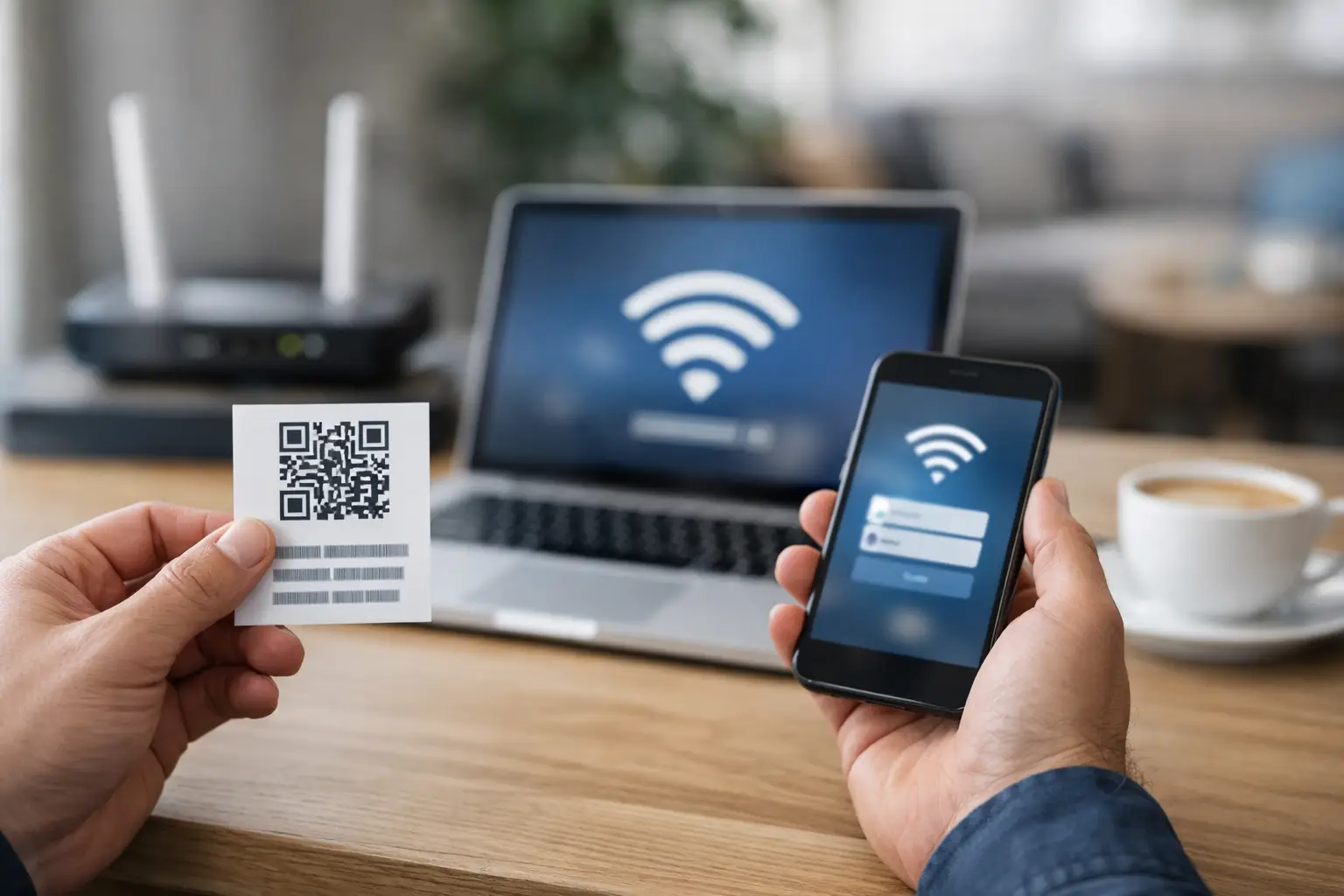
Configure WiFi Vouchers Around Real Access Packages
Voucher packages should be recognizable to staff and understandable to guests. Use names that match the service being delivered, such as "Complimentary 1 Hour," "Hotel Guest 24 Hours," "Conference Day Pass," or "Premium 7 Days." Clear naming reduces errors at the front desk and helps reporting remain meaningful.
For each package, configure four operational controls: validity, session duration, device count, and speed profile. Validity determines when the code can first be redeemed. Session duration determines how long the guest stays online after redemption. Device count limits concurrent or total devices. The speed profile assigns the bandwidth rule.
There is an important distinction between validity and duration. A voucher valid for 30 days with a two-hour session gives the recipient flexibility to activate it later, then provides two hours of access once used. A voucher valid only until midnight creates urgency and is better suited to daily promotions or event admission. Confusing these settings is a common source of guest support calls.
Consider whether unused time should remain available after a guest disconnects. A cumulative policy allows a two-hour voucher to be used in several shorter sessions until the allowance is consumed. A continuous policy starts the clock on first login and expires after two hours regardless of activity. Cumulative access is often more guest-friendly in hospitality settings. Continuous access is simpler for short paid passes and high-demand public environments.
Secure the Network Before Issuing Codes
Vouchers control authentication, but they are not a substitute for network segmentation. Guest traffic should operate on a separate VLAN or isolated SSID, with firewall policies that block access to business systems, staff devices, payment terminals, IoT equipment, and administrative interfaces.
Use client isolation where appropriate so guests cannot communicate directly with one another. This is particularly relevant in hotels, public venues, healthcare facilities, and shared workspaces. Apply DNS, content, and traffic controls according to your organization’s policies and local requirements, while recognizing that overly restrictive filtering can affect legitimate guest use.
The captive portal should use HTTPS and present a branded, mobile-friendly login experience. Even when access is voucher-only, the portal can display terms of service, support information, property messaging, promotions, or paid upgrade options. This turns the authentication point into a managed customer interaction instead of a generic login screen.
Administrators should also decide how vouchers are generated and distributed. Staff-created codes work well for reception desks and smaller venues. Bulk generation is better for conferences, schools, travel operators, and promotional campaigns. Integration with a property management system, point-of-sale system, ticketing workflow, or WiFi billing system can reduce manual work and provide a more consistent guest experience.
Build Distribution Workflows Your Staff Can Run
A technically correct voucher program can still fail if staff cannot issue codes quickly. Keep operational workflows simple. Reception should know which package applies to each guest type. Restaurant staff should not need to understand VLANs, rate limits, or portal policies to provide an access code with a purchase.
Printed vouchers remain useful in many environments, especially hotels, events, transit terminals, and venues with assisted service. However, digital delivery can reduce printing costs and entry mistakes. Send codes by SMS, email, receipt printer, booking confirmation, or a customer-facing display when that approach fits the customer journey.
Issue WiFi Vouchers Directly From a Ticketing App
For locations where staff issue guest access on demand, a WiFi ticketing app can make the voucher workflow faster and easier to manage. Reception desks, cafés, airports, events, reseller locations, and other service points can create WiFi tickets directly from supported mobile devices instead of preparing large batches of vouchers in advance.
The Antamedia WiFi Tickets App works with WiFi Hotspot and Enterprise WiFi System and allows staff to create voucher or username/password tickets based on configured Internet plans. Tickets can include time, data, speed, expiration, and access limits, while sales and issued tickets can be tracked by location and operator.
This approach is particularly useful where guests expect immediate access and staff need a simple workflow without opening the full administration interface.
For paid WiFi, automate code issuance immediately after successful payment. The guest should receive a code or be authenticated automatically without waiting for staff intervention. For complimentary offers, consider a limited trial voucher followed by a paid upgrade path. This is effective in airports, transport hubs, event spaces, and other locations where some guests value higher speed or longer access.
Do not make codes unnecessarily complex. Long mixed-character strings reduce the chance of guessing, but they can be difficult to enter on a phone. A practical approach uses codes that are secure enough for the expected environment while remaining readable over a counter, on a receipt, or in an email. Set vouchers to expire after use where code sharing is a concern.
Monitor Redemption, Usage, and Revenue
Voucher reporting should answer more than "how many codes were created?" Operators need visibility into codes issued, redeemed, expired, active, and unused. These figures reveal whether staff are distributing the correct package and whether customers are actually using the service.
Usage data helps with capacity planning. If conference-day vouchers drive peak demand between 9 a.m. and noon, the venue may need a higher bandwidth allocation or a more refined speed policy. If complimentary access is heavily consumed but premium upgrades are low, the basic tier may already meet customer needs. If premium codes sell consistently, that is evidence that paid WiFi is producing a meaningful return.
Review failed login attempts as well. High failure rates can indicate unclear instructions, mistyped codes, expired vouchers, a captive portal detection issue, or poor WiFi coverage. The remedy is not always a network configuration change. Sometimes a clearer receipt format or better staff script fixes the problem faster.
Centralized reporting becomes essential for multi-location operators. A regional hospitality group, retailer, or managed service provider needs consistent voucher policies while retaining the ability to adjust packages by location. Centralized WiFi management allows multi-location operators to maintain consistent voucher packages, access policies, branding, and reporting while still adapting individual locations where required.
Test the Guest Journey Before Launch
Test every voucher type from a guest device, not only from the administrator dashboard. Connect to the guest SSID, trigger the captive portal, enter the code, verify the assigned speed, disconnect, reconnect, and confirm that the duration and device rules work as intended.
Test edge cases: an expired code, a code used on too many devices, a guest who changes devices, an interrupted payment, and a voucher redeemed near its expiration time. If your venue serves international travelers, test common device platforms and browser behavior. A portal that works perfectly on a managed office laptop may behave differently on a guest phone using private DNS, cellular assist, or a VPN.
Also test the support path. Guests should know who to contact if a voucher fails. Staff need a controlled way to look up code status, reissue access when policy allows, and identify whether the problem is a code, a portal, coverage, or the upstream internet connection.
Avoid the Common Configuration Mistakes
The most frequent issue is treating every visitor as the same type of user. A restaurant customer, overnight hotel guest, conference exhibitor, and paid airport traveler have different expectations. Separate packages make the service easier to price, support, and report on.
Another mistake is setting unlimited duration and unlimited devices by default. That may be acceptable for a small, low-risk location, but it weakens control in busy venues and can allow access codes to circulate long after the original visit. Conversely, limits that are too aggressive create friction for legitimate guests. The right configuration reflects the value of access, expected length of stay, and available network capacity.
Finally, avoid launching without ownership. Someone should be responsible for reviewing package settings, monitoring code usage, confirming payment flows, and updating staff instructions. Voucher programs are operational services, not one-time network tasks.
A well-configured voucher gives guests a simple path online while giving the business control over access, capacity, customer communication, and revenue. Set the policy carefully, test it from the guest’s perspective, and let each code support the experience your venue intends to deliver.
Frequently Asked Questions
What is a WiFi voucher?
A WiFi voucher is an access code that allows a guest to connect to a managed WiFi network under predefined rules such as validity, session duration, bandwidth limits, and permitted devices.
What is the difference between voucher validity and session duration?
Voucher validity determines when the code can be activated, while session duration determines how long the guest can use the internet after activation. A voucher can therefore remain valid for several days while providing only a limited amount of access time.
Can WiFi vouchers be used for paid internet access?
Yes. Voucher packages can be linked to paid WiFi plans so guests receive access after payment with predefined speed, duration, device, or traffic limits.
Can one WiFi voucher be used on multiple devices?
Yes, if the voucher policy allows it. Operators can limit a voucher to one device or permit multiple devices depending on the venue, service package, network capacity, and risk of code sharing.