
How to Deploy a Cloud WiFi Controller System
In Brief: A cloud WiFi controller centralizes the configuration and monitoring of wireless infrastructure such as access points, SSIDs, VLANs, and network policies. In guest WiFi deployments, it typically works alongside a guest access platform that manages captive portals, authentication, Internet Plans, vouchers, payments, analytics, and customer engagement. Successful deployment requires both layers to be planned together.
A hotel group opens three new properties, a restaurant chain refreshes its guest network, or an airport adds hundreds of access points. The challenge is not simply getting WiFi online. It is maintaining consistent access policies, visibility, branding, and commercial controls as the network grows. To deploy cloud WiFi controller software effectively, organizations need to design the service around both network operations and the guest journey.
A cloud WiFi controller centralizes infrastructure tasks that become difficult to manage site by site, including access point provisioning, SSID configuration, VLAN assignments, network policies, device monitoring, and administrator permissions. In guest WiFi deployments, a dedicated guest access platform can complement the controller by managing captive portal policies, authentication, Internet Plans, payments, reporting, surveys, advertising, and other customer-facing workflows.
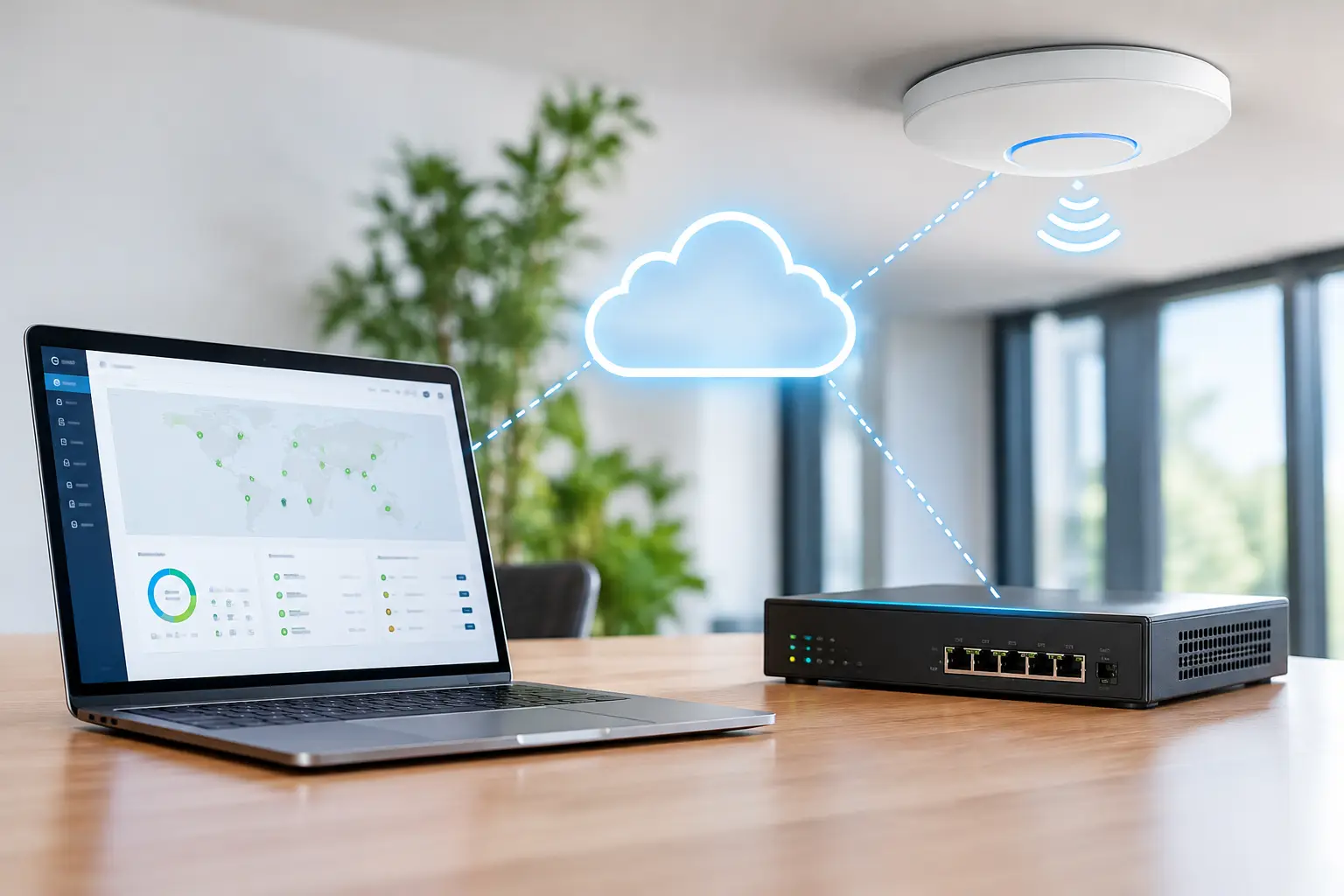
Define What the Controller Must Control
A cloud WiFi controller should not be evaluated as an access point dashboard alone. Its value depends on which parts of the network and guest service it can manage from a central platform.
For a small cafe, the immediate requirement may be a branded guest portal with basic terms acceptance and simple network separation. A hotel operator may need property-level branding, room or voucher access, paid premium tiers, marketing consent, and analytics that compare performance across locations. A managed service provider may require multi-tenant administration, white-label options, role-based access, and the ability to apply policies across dozens or hundreds of customer networks.
Start by documenting the required outcomes. Identify who will use the network, how they should authenticate, how long sessions should last, whether the service is free or paid, and what data must be retained. Then identify the operational requirements: supported access point hardware, VLAN design, internet uplinks, local network dependencies, redundancy expectations, and the teams authorized to make changes.
This discovery phase prevents a common deployment failure: selecting a controller that can manage WiFi radios but cannot support the business model behind the guest service.
Choose the Right Deployment Architecture
Cloud-managed does not mean every network decision is dependent on a remote service. Access points and gateways still need a local design that supports secure operation when internet conditions vary. The controller provides centralized policy and administration, while the venue network carries traffic, segments users, and enforces local routing rules.
Cloud, On-Premise, or Hybrid
A cloud controller is usually the most practical choice for multi-location organizations because it reduces the need to maintain controller hardware at every site. Administrators can provision supported equipment remotely, standardize network templates, and review system health, while the associated guest access platform can centralize portal content and guest access policies.
On-premise deployment can make sense where local control, internal security policy, or regulatory requirements limit cloud hosting. Large campuses, government environments, and organizations with strict data residency requirements may prefer a locally hosted controller or virtual appliance.
A hybrid approach is often appropriate for enterprises that need centralized management but want local authentication, AAA RADIUS services, or captive portal components at selected sites. The right model depends on operational risk, internal IT policy, and the services that must continue during a WAN interruption.
Plan Network Segmentation Before Provisioning
Guest WiFi should be separated from employee, point-of-sale, payment, operational technology, and internal corporate traffic. That separation generally requires dedicated SSIDs and VLANs, firewall rules, and bandwidth policies aligned with the venue's risk profile.
For example, a retail location may permit guest internet access only, while an educational institution may allow authenticated students to reach approved learning systems. Hospitals may need distinct policies for visitors, staff, clinical devices, and patient entertainment. A controller can distribute the wireless configuration, but the switching, gateway, and firewall design must support the intended segmentation.
Prepare Devices, Sites, and Access Policies
Before connecting access points to production networks, create a repeatable onboarding standard. This is especially valuable when equipment is deployed by local contractors or nontechnical staff.
A practical readiness checklist should cover four areas:
Confirm compatible access points, supported firmware, controller licenses, and internet connectivity at each location.
Create location, group, and device naming conventions that make reporting and troubleshooting understandable at scale.
Define SSIDs, VLAN assignments, DHCP scopes, DNS behavior, firewall rules, and bandwidth limits before users connect.
Establish administrator roles so local managers, help desk staff, marketing teams, and network engineers see only the functions they need.
Templates are essential for repeatability. A network template can define infrastructure settings such as SSIDs, VLAN assignments, baseline security rules, and supported device configuration, while a guest access template can define captive portal behavior, acceptable-use terms, idle timeout, bandwidth rules, authentication methods, and other guest policies. Location-specific variables such as venue name, language, promotional content, payment currency, and support contacts can then be applied without rebuilding the deployment from scratch.
This approach reduces configuration drift. It also makes expansion faster because a new site follows an established deployment pattern rather than becoming a custom network project.
Configure Guest Access as a Business Service
The captive portal is often the only part of the WiFi service guests actively see. Treat it as a customer-facing channel, not a technical afterthought.
A well-configured portal should clearly explain how guests connect, what information is requested, and how long access will remain available. Authentication options may include a simple click-through flow, email registration, SMS verification, social login, voucher codes, loyalty credentials, room numbers, employee credentials, or paid access. Each method involves a trade-off between speed, privacy, data quality, and fraud prevention.
A quick click-through portal minimizes friction and suits high-turnover public spaces. Email or SMS authentication provides more actionable customer data but may reduce completion rates. Paid access requires reliable payment handling and a clear value proposition, such as higher bandwidth, longer duration, or access where connectivity is a premium service.
For hospitality, retail, and public venues, the portal can also support campaigns that are relevant to the location. A restaurant can promote a return-visit offer after authentication. A shopping center can highlight tenant promotions. A transit operator can provide travel information or sponsor-supported access. The objective is not to overload the page with marketing. It is to make a necessary connection step useful for both the guest and the operator.
Validate the Deployment Before Opening Access
Testing should extend beyond checking whether a phone can connect. Test the entire guest lifecycle from multiple device types and network conditions.
Verify that users receive an IP address in the correct guest network, are redirected reliably to the portal, and can complete authentication without browser certificate warnings or redirect loops. Confirm that accepted users can reach the public internet but cannot access restricted internal systems. Test session expiration, reauthentication, voucher redemption, bandwidth limits, and payment workflows where applicable.
Also test the operational side. Can an authorized administrator locate a device, review a client's connection history, revoke access, update a portal campaign, and identify an offline access point? Can a central IT team see the status of every site without relying on local staff? These workflows determine whether the platform will reduce support effort after launch.
Pilot testing at one representative venue is valuable, but avoid assuming every site behaves the same way. Older switching infrastructure, restrictive firewalls, unusual DNS settings, captive portal detection differences, and unstable local internet service can all affect the guest experience.
Operate the Cloud Controller for Scale and Revenue
Once deployed, a cloud WiFi controller becomes an operational and commercial control point. Network teams can monitor device status, client counts, bandwidth use, authentication failures, and site-level trends. Marketing and operations teams can review portal engagement, consented customer data, survey responses, ad impressions, campaign performance, and paid access revenue.
The benefit comes from connecting those views without giving every stakeholder unrestricted network access. Role-based permissions allow network administrators to control infrastructure, while venue managers update approved portal content and marketing teams review campaign results.
Review metrics at both the individual-site and portfolio level. A sudden drop in logins may signal a portal issue, a failed internet uplink, or simply lower foot traffic. A rise in authentication failures could indicate weak cellular coverage for SMS verification, an expired integration credential, or guests entering voucher codes incorrectly. Context matters before changing policy.
For multi-location organizations, compare locations using consistent definitions. Track connected guests, repeat WiFi connections where supported, average session duration, data consumption, portal conversion, payment completion, and survey participation. These measurements help operators decide where to add capacity, improve signage, adjust bandwidth policies, or test a different access method.
Antamedia WiFi Hotspot provides the guest-access layer for supported WiFi infrastructure, including captive portals, authentication, Internet Plans, vouchers, payments, analytics, surveys, advertising, and centralized guest administration. Antamedia Enterprise WiFi System provides an on-premise deployment option, while hybrid architectures are also supported where centralized and local components need to work together. Access-point, SSID, VLAN, radio, and other infrastructure-level configuration remains dependent on the supported network hardware and controller architecture.
Keep Governance in the Deployment Plan
Cloud management simplifies administration, but it does not remove responsibility for security and privacy. Use unique administrator accounts, multifactor authentication where available, least-privilege permissions, and a documented offboarding process for employees and contractors. Review device inventory and access roles regularly.
Guest data collection should be purposeful. Collect only the information needed for access, support, analytics, or clearly disclosed marketing programs. Align consent language and retention policies with applicable privacy requirements and the expectations of your customers. If a venue uses social login, email capture, surveys, or advertising, ensure the portal communicates the choice clearly.
A successful deployment is not measured by the day access points come online. It is measured months later, when a new location can be added quickly, an IT team can resolve issues centrally, and every guest connection supports a safer network and a better business outcome.